
Your Browsing History
BEST SELLERS


BEST SELLERS
In Computer Monitor
Our most popular products, based on sales and updated frequently.Shop Department
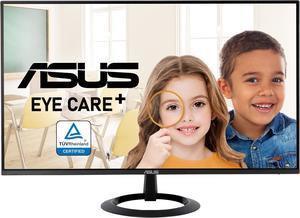
ASUS 24" (23.8-inch Viewable) Eye Care Monitor (VZ24EHF) - IPS, Full HD (1920 x 1080), Frameless, 100Hz, Adaptive-Sync, 1ms, HDMI, Low Blue Light, Flicker Free, Ultra-Slim Profile
- Resolution: 1920 x 1080
- Refresh Rate: 100Hz
- Monitor Pixel Density: 0.2745mm
- Display Colors: 16.7 Million
- Model #: 90LM07C0-B014B0
- Item #: 9SIADGEK9Y9094
- Return Policy: View Return Policy
$122.99
$25.94 Shipping
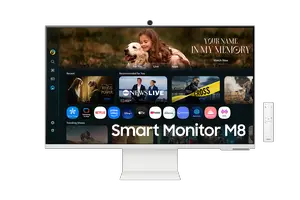
SAMSUNG 32” Smart Monitor M8 (M80F) 4K UHD Display, Samsung Vision AI, Smart TV Apps, Gaming Hub, USB-C, HDMI, White, LS32FM801UNXZA, Warm White
- Resolution: 3840 x 2160 (4K)
- Refresh Rate: 60Hz
- Display Colors: Max 1B
- Brand: SAMSUNG
- Model #: LS32FM801UNXZA
- Item #: N82E16824027389
- Return Policy: Standard Return Policy
$449.99
$899.99
$4.99 Shipping
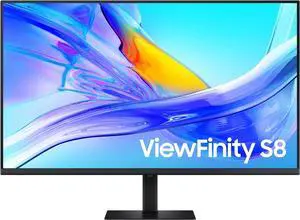
Samsung ViewFinity S80UD 37" 4K HDR Monitor with KVM, 5ms, HDR 10, USB Type C, Height Adjustable Stand, 16:9
- Resolution: 3840 x 2160 (4K)
- Refresh Rate: 60Hz
- Display Colors: 1.07 Billion
- Brand: SAMSUNG
- Model #: LS37D802UANXZA
- Item #: N82E16824027381
- Return Policy: Standard Return Policy
$499.99
$749.99
Free Shipping
Looks Good Easy to plug in and start use
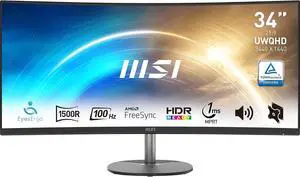
MSI 34" Ultrawide QHD 2K 1440P 100Hz 1ms Anti-Flicker & Low Blue Light 1500R Curved LCD Computer Monitor with Built-in Speakers Pro MP341CQ
- Resolution: 3440 x 1440 (2K)
- Refresh Rate: 100Hz
- Monitor Pixel Density: 0.23175(H) X 0.23175(V)
- Display Colors: 10 bits (8 bits + FRC)
- Model #: Pro MP341CQ
- Item #: N82E16824475291
- Return Policy: 15-Day Return Policy
$279.99
$369.99
$24.99 Shipping
Budget freindly 100Mhz. Free Sync. Cap your FPS at 100 and leave it alone. ( you can not tell the difference between 100Mhz and 180 Mhz (FPS) "In my day" they said anything over 30 FPS and you're good. Don't buy into all the hype and max FPS sales mumbo jumbo. This monitor is all you need.
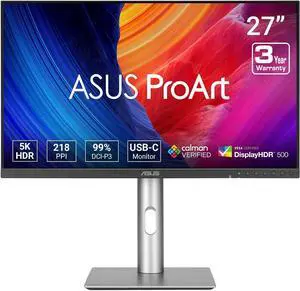
ASUS ProArt Display 27" 5K HDR Professional Monitor (PA27JCV) - 5K (5120 x 2880), IPS, 99% DCI-P3, 100% sRGB, USB-C PD 96W, Calman Verified, Color accurate, Auto KVM, LuxPixel
- Resolution: 5120 x 2880 (5K)
- Refresh Rate: 60Hz
- Monitor Pixel Density: 0.116mm
- Display Colors: 1.07 Billion
- Model #: 90LM0AL0-B01KB0
- Item #: N82E16824281343
- Return Policy: 15-Day Return Policy
$999.99
$1,099.99
Free Shipping
Docking station High PPI USB ports on back USB - C and hdmi display connections Pricing is best in its class for performance
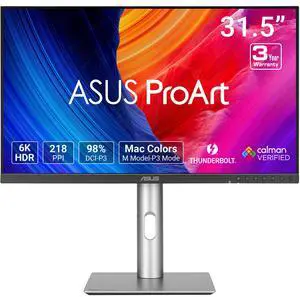
ASUS ProArt Display PA32QCV 32"(31.5" viewable) 6K HDR Computer Monitor
- Resolution: 6016 x 3384
- Refresh Rate: 60Hz
- Monitor Pixel Density: 0.116mm
- Display Colors: 1.073 Billion
- Model #: PA32QCV
- Item #: N82E16824281387
- Return Policy: Standard Return Policy
$1,799.99
$1,999.99
Free Shipping
great image quality, sharp, good colors and brightness, decent stand quality, good array of ports
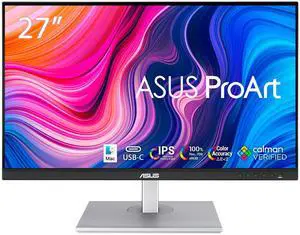
ASUS ProArt 27" QHD 2K 1440P 75Hz IPS with Exceptional Color Accuracy 100% sRGB 100% Rec.709 Computer Monitor idea for Video Editing, Photography, and Design work PA278CV
- Resolution: 2560 x 1440 (2K)
- Refresh Rate: 75Hz
- Monitor Pixel Density: 0.233mm
- Display Colors: 16.7 Million
- Model #: PA278CV
- Item #: N82E16824281112
- Return Policy: 15-Day Return Policy
$373.99
$426.99
$17.95 Shipping
Great resolution and color for Photo editing. Good size for a smaller desk Works with MacBook Air but only with included USB-C cable.
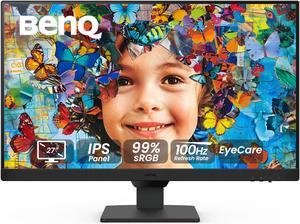
BenQ GW2790 Computer Monitor 27" FHD 1920x1080p | IPS | 100 hz | Eye-Care Tech | Low Blue Light | Anti-Glare | Adaptive Brightness | Tilt Screen | Built-in Speakers | DisplayPort | HDMI x2
- Resolution: 1920 x 1080
- Refresh Rate: 100Hz
- Monitor Pixel Density: 0.3113 x 0.3113 mm
- Display Colors: 8-Bit (16.7 Million Colors)
- Model #: GW2790
- Item #: 9SIAATCKCU1276
- Return Policy: View Return Policy
$169.99
Free Shipping
Thin Bezel
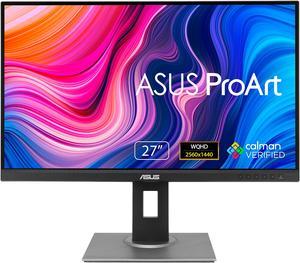
ASUS ProArt 27" WQHD 2K 1440P 75Hz IPS Computer Monitor with Height Adjustable, Tilt, Pivot & Swivel Stand Ideal for Graphics Works and Editing Professions PA278QV
- Resolution: 2560 x 1440 (2K)
- Refresh Rate: 75Hz
- Monitor Pixel Density: 0.2331mm
- Display Colors: 16.7 Million
- Model #: 90LM05L1-B013B0
- Item #: N82E16824281062
- Return Policy: 15-Day Return Policy
$311.99
$349.99
$9.99 Shipping
- Excellent size, approaching the too big point for me and my desk. - Thin bezels. - Controls where you can see them, but not obnoxiously prominent either. - Plenty of connectivity options: HDMI, Display Port, Mini-DP and even DVI-D!!! - Also has a builtin USB hub where I am now connecting my keyboard and mouse and can still connect USB flash drives on the side of the monitor for ease rather than poking the computer itself. - Picture quality is by far the absolute BEST I have ever had of all my monitors!
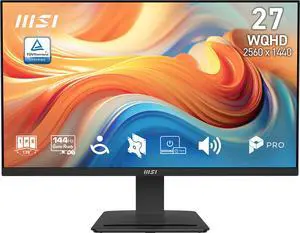
MSI 27" WQHD 2K 1440P 144Hz IPS 1ms LCD Computer Monitor with Built-in Speakers for both Work & Gaming PRO MP273Q E14
- Resolution: 2560 x 1440 (2K)
- Refresh Rate: 144Hz
- Monitor Pixel Density: 0.2331mm x 0.2331 mm
- Display Colors: 16.7 Million
- Model #: PRO MP273Q E14
- Item #: N82E16824475538
- Return Policy: Standard Return Policy
$208.99
$229.99
$14.83 Shipping
We have this white MSI PRO MP273QW E14 for our front desk to match with our white setup and the color perfectly matches. Main reason to pick this monitor is that it offers more than other brands on eye care, which is really crucial. It has TÜV-certified low blue light, anti-flicker tech, and MSIs Eye-Q Check to help reduce eye strain during long sessions.
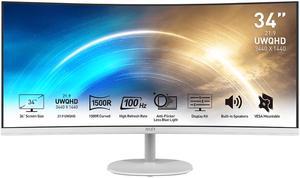
MSI 34" Ultrawide QHD 2K 1440P 100Hz 1ms Anti-Flicker & Low Blue Light 1500R Curved White LCD Computer Monitor with Built-in Speakers Pro MP341CQW
- Resolution: 3440 x 1440 (2K)
- Refresh Rate: 100Hz
- Monitor Pixel Density: 0.2317mm
- Display Colors: 16.7 Million
- Model #: Pro MP341CQW
- Item #: N82E16824475280
- Return Policy: 15-Day Return Policy
$289.99
$379.99
$26.99 Shipping
Perfect fit for my small home office.
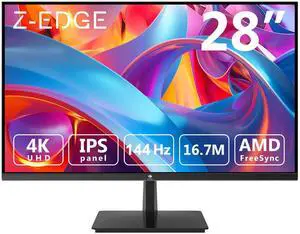
Z-EDGE 28" Ultra HD 4K 3840 x 2160 144Hz 1ms IPS Gaming Monitor, HDMI x2, DP x2, FreeSync Compatible, Support Wall Mount
- Resolution: 3840 x 2160 (4K)
- Refresh Rate: 144Hz
- Monitor Pixel Density: 0.16mm x 0.16mm
- Display Colors: 16.7 Million
- Model #: U28I4K
- Item #: 9SIBUTHKKU4769
- Return Policy: View Return Policy
$289.99
$349.99
Free Shipping
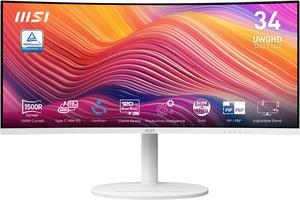
MSI 34" UWQHD 2K 1440P 120Hz with Adaptive-Sync HDR Ready Built-in Speakers USB-C KVM Picture-in-Picture white Curved Computer Monitor with Height Adjustable, Swivel & Tilt Stand Modern MD342CQPW
- Resolution: 3440 x 1440
- Refresh Rate: 120Hz
- Monitor Pixel Density: 0.231mm
- Display Colors: 1.07 Billion
- Model #: Modern MD342CQPW
- Item #: 9SIA9H5KSE1227
- Return Policy: View Return Policy
$445.99
$27.99 Shipping
Size, display colors, color of the monitor itself
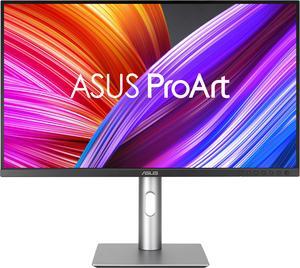
ASUS ProArt 27" UHD 4K 60Hz IPS 99% DCI-P3/Adobe RGB, Delta E < 2, Calman Verified, USB-C Computer Monitor with Height Adjustable, Swivel, Pivot & Tilt Stand ideal for editing PA279CRV
- Resolution: 3840 x 2160 (4K)
- Refresh Rate: 60Hz
- Monitor Pixel Density: 0.155mm x 0.155mm
- Display Colors: 1.07 Billion
- Model #: 90LM08E0-B01KB0
- Item #: N82E16824281253
- Return Policy: 15-Day Return Policy
$629.99
$16.03 Shipping
After trying three other displays, I found this one to have pretty much everything I was looking for in a display for photo editing. Most important for me was being able to edit my raw files in Adobe RGB.
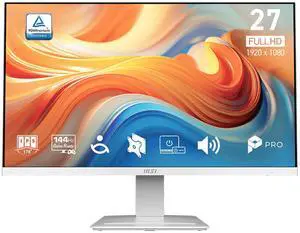
MSI 27" Full HD 144Hz IPS white LCD Computer Monitor with Built-in Speakers for both work and gaming PRO MP273W E14A
- Resolution: 1920 x 1080
- Refresh Rate: 144Hz
- Monitor Pixel Density: 0.3114mm
- Display Colors: 16.7 Million
- Model #: PRO MP273W E14A
- Item #: N82E16824475537
- Return Policy: 15-Day Return Policy
$169.99
$179.99
$14.83 Shipping
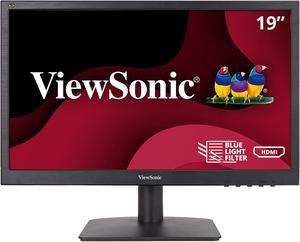
ViewSonic VA1903H 19 Inch WXGA 1366x768p 16:9 Widescreen Computer Monitor with Enhanced View Comfort, Custom ViewModes and HDMI for Home and Office
- Resolution: 1366 x 768
- Refresh Rate: 60Hz
- Brand: ViewSonic
- Cabinet Color: Black
- Model #: VA1903H
- Item #: 9SIAH2MKVX5394
- Return Policy: View Return Policy
$122.08
Free Shipping
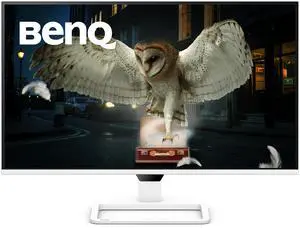
BenQ 27" 200 Hz IPS Monitor 5.9ms (Typ.)/1ms (OD) 90% DCI-P3 Flat Panel EW270Q
- Resolution: 2560 x 1440 (2K)
- Refresh Rate: 200Hz
- Display Colors: 1.07 Billion
- Brand: BenQ
- Model #: EW270Q
- Item #: N82E16824014995
- Return Policy: Standard Return Policy
$269.99
$17.95 Shipping
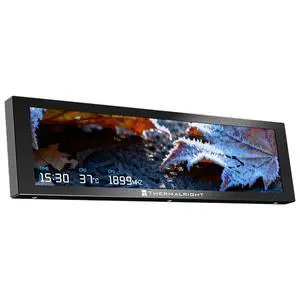
Thermalright Trofeo Vision LCD AIO Display 9.16 PC Monitor, USB Type-C Screen for Real-Time Hardware Monitoring, with Preset Themes for Gaming PC Case/CPU Cooler (TrofeoVision 9.16 BLACK)
- Brand: Thermalright
- Series: Trofeo Vision LCD
- Fan Color: Black
- Part Number: TrofeoVision 9.16 BLACK
- Model #: TrofeoVision 9.16 BLACK
- Item #: 9SIBVHYKRF8584
- Return Policy: View Return Policy
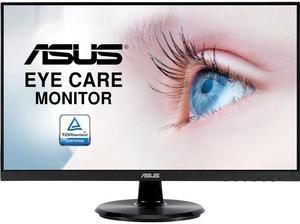
ASUS 24" (23.8" Viewable) Full HD 75Hz IPS with FreeSync (Adaptive Sync) Blue Light Filter, Flicker-Free Built-in Speakers Computer Monitor for Work & Causal Gaming VA24DQ
- Resolution: 1920 x 1080
- Refresh Rate: 75Hz
- Monitor Pixel Density: 0.2745mm
- Display Colors: 16.7 Million
- Model #: 90LM0543-B013B0
- Item #: N82E16824281072
- Return Policy: 15-Day Return Policy
$149.99
$189.99
$19.99 Shipping
- Big screens with clear screens - Good price - Fast shipment
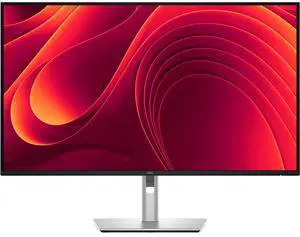
Dell Pro 32 Plus QHD USB-C Hub Monitor - P3225DE, WQHD, 100Hz Display, USB-C, Ethernet
- Screen Size: 31.5
- Model #: P3225DE
- Item #: 9SIADGEKNG3399
- Return Policy: View Return Policy
$726.11
$53.74 Shipping