Welcome to TAVZENL ! We are professional in laptop battery R & D, production and retail .Each link and process are strictly control and testing to ensure our product "Practicality, Safety, Compatibility, Endurance". we are strive to provide every customer with the best quality and service. When you have any batteries questions , please feel free to send us an email by click on"TAVZENL", then you can see "Ask a question" on the page. We are glad to help you solve any battery problems within 24 hours.
Product introduction
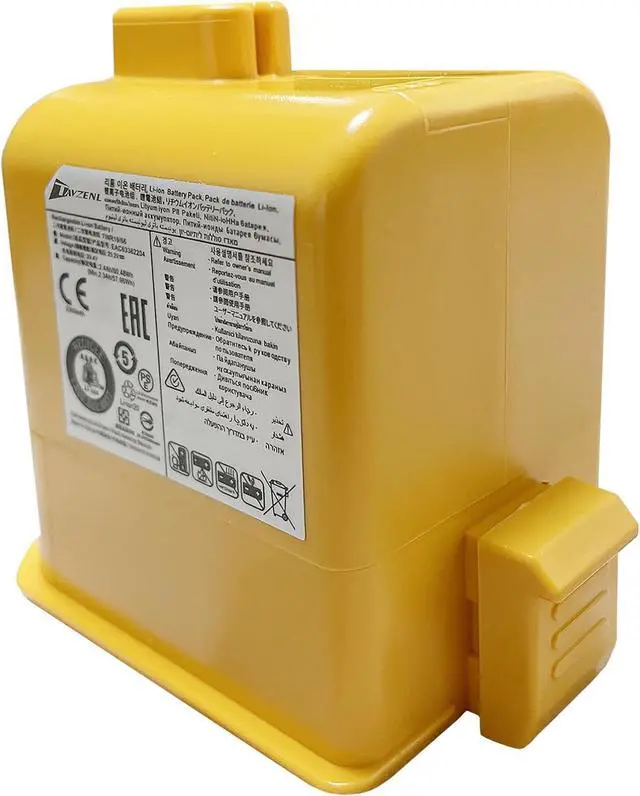
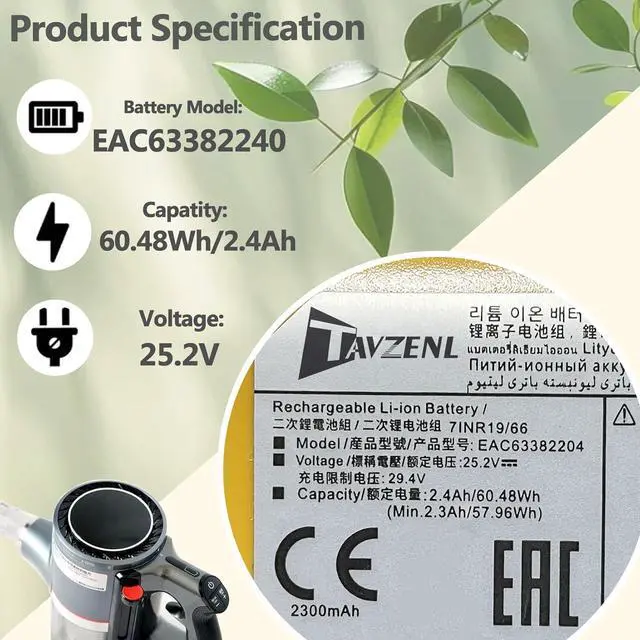
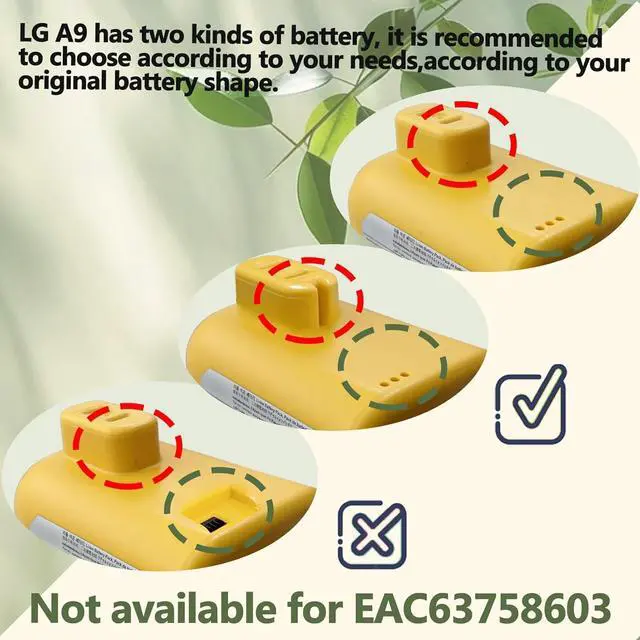
Battery Model:LG A9
Capatity: 60.48Wh/2400mAh
Voltage:25.2V
Battery type: Rechargeable Li-ion Battery
Compatible Part Numbers
EAC63382202EAC63382204AC63758601EAC63382201EAC63382208EAC63382205
Compatible Models (use "Ctrl+F to find your model quickly")
for LG Cord Zero Cord A9, Cord Zero A9 Plus, Cord Zero A9+, LG Cord Zero A9 Ultimate, A9 Plus,A902RM, A905M, A905RM, A906SM, A907GMS, A908MVR, A908VMR, A912PM, A913BM, A916, A916BM A925KSM, A926KSM, A927, A927KGMS, A927KVMS, A929KVM A937KGMS, A938KBGS, A939KBGS A958, A958S, A958SA, A958SKA9PRO, A9SINGLE, A9T-ULTRA,A9ULTIMATE2, A9ULTIMATE,A9PE, A9PETNBED,A9PETNBED2X,A9BEDDING2, A9BEDDINGX,A9ESSENTIAL, A9ADVANCED,A9PRO, A9ULTIMATE2, A9ULTIMATE Series A9S, A9SINGLE, A9 Kompressor, A9T, A9T-Ultra A9ADVANCED, A9ESSENTIAL,A9K, A9K MAX, A9K-AQUA, A9K-EVOLVE, A9K-ULTRA, A9K-CORE, A9MAX, A9K-PRO A9N-FLEX, A9N-LITE, A9N-PRIME, A9K-AQUA, A9K-CORE, A9K-EVOLVE, A9K-PRO, A9K-ULTRA, A9K-ULTRA,A9MASTER2X, A9MULTI2X, A9MULTI A9NEOMASTER, A9NEOMASTER, A9NEOMAX, A9NEOMAX, A9NEOMULTI,A9N-FLEX, A9N-LITE, A9N-PRIME,A9PETNBED2X, A9PETNBED,A9NEOMASTER, A9NEOMAX, A9NEOMULTI.
Package List:
1 X LG A9 Battery
1 X Instruction Manual
Battery Mantainance:
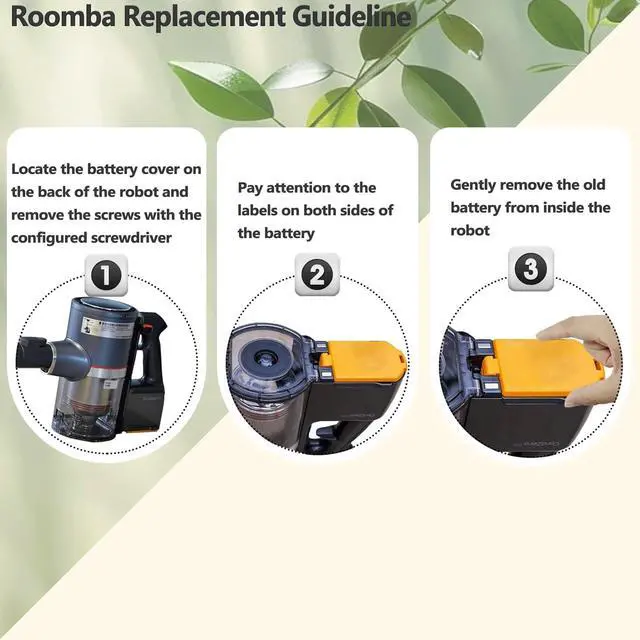
· Before replacing the new battery, you need to completely shut down the computer and remove the power and battery to avoid short-circuit during the replacement process.
· Check and clean the battery slots first to make sure all connectors and screws are properly installed.
· When removing and installing batteries, handle them with care to avoid damage caused by collision or falling.
· Do Discharge the new battery use to 5%(not to 0%) and then charge to 95%, and cycle 3-4 times.
· The important point is to perform a full discharge charge every other month to extend battery life.
· Do not use the laptop in a high temperature environment and avoid fully charging or discharging the laptop battery for a long time, as this may damage the battery.