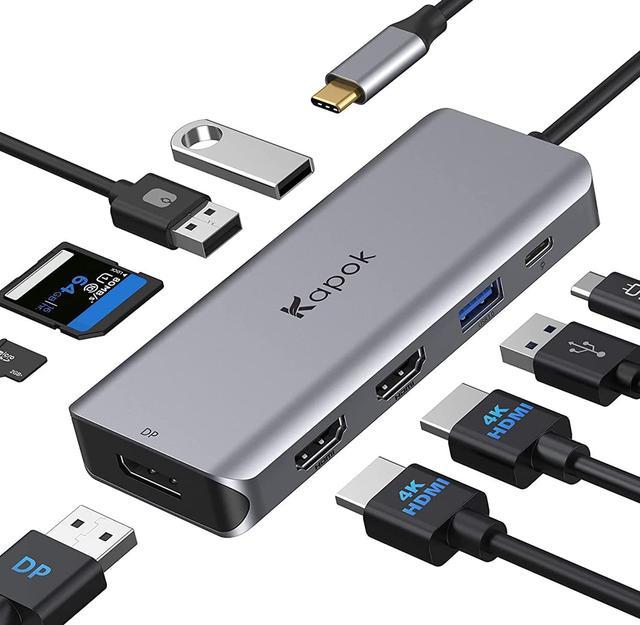
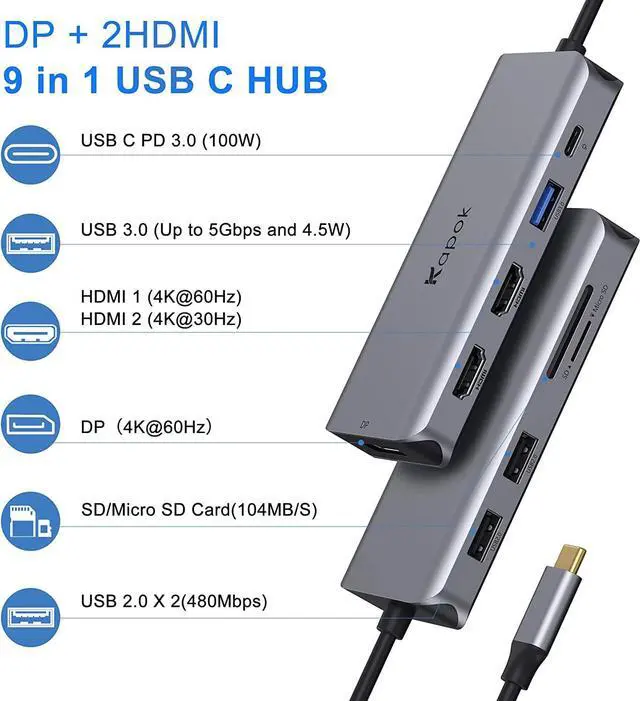
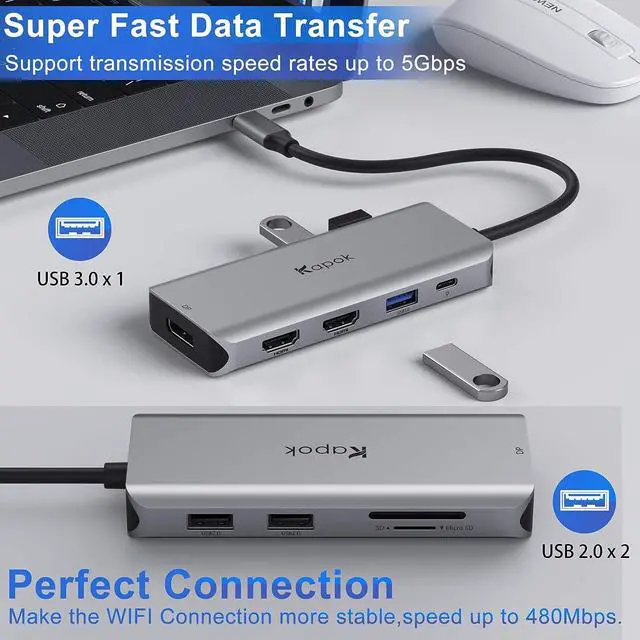
This USB-C Docking Station provides a stable connection and increases the productivity of your device by expanding the female USB C port to multiple possibilities of connectivity. With this USB C Adapter, you can stream/extend video to your monitor/projector/TV with 2 HDMI and 1 DP from your usb c devices. This Laptop Docking Station Dual Monitor enabled 1 USB 3.0 port(up to 5Gbps) to connect smartphones, tablet, hard drives for effortless data transfer with USB-C port, and provides 2 USB 2.0 ports(speed up to 480Mbps) to connect keyboard or mouse without any lag. USB C to SD/TF Card readerfor USB-C/Type-C/Thunderbolt 3 devices to access files from SD/TF card reader, quickly view your photos or videos, perfect for Photographer,Designer or Video editor,etc. This Docking Station supports Triple Display ONLY for Windows System Laptop,Mac OS DOES NOT support.
How to Set Different Mode
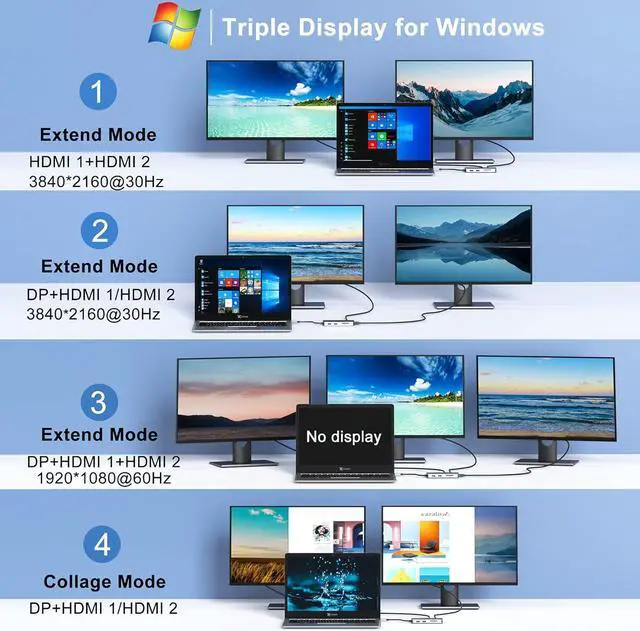
For Windows laptops:
Mirror Mode:Right click desktop >Graphics Settings >Display > Multiple Settings > Clone Display
Extend Mode:Right click desktop>Graphics Settings>Display>Multiple Settings>Extended Display
Collage Mode: Right click desktop>Graphics Settings>Display>Multiple Settings>Collage (NOTE: For this mode, PC or Notebook's Video card MUST support MST)
For MacBook laptops:
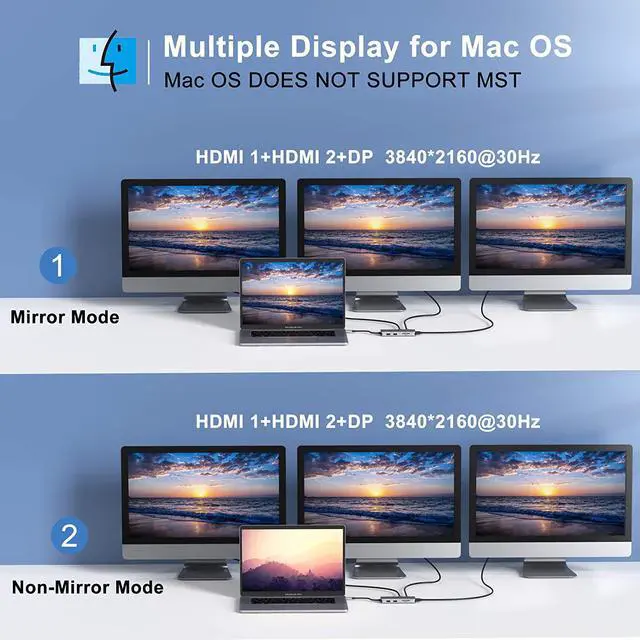
Mirror Mode or Non-Mirror Mode: Setting- About This Mac>Display>Arrangement>Mirror Displays(Yes or Not)
1.Display Problem:
For Mac OS systems laptop, its non-mirror mode can only supports 3 duplicate (mirror) external monitors due to apple system restrictions. However, your laptop screen can be different image from 3 external monitors.
2.HDMI or PD Problem:
A. Make sure the type c power delivery port on you laptop is USB 3.1 Type-C (Gen2) or Thunderbolt 3 port (supports PD charging).
B. Check your HDMI cable.
C. Ensure sufficient power supply from the USB C hub.
3.Triple Display:
ONLY support the Triple display for Windows.
4.For Mac OS:
Due to apple system restrictions the docking station could only support to extend one monitor, the other monitors could only copy the monitor you extend.
5.Resolution Problem
Normally all three monitors will output 1080P resolution. If your laptop bandwidth isn't enough, one of the monitor screen resolution might be lower than 1920 x 1080@60Hz.
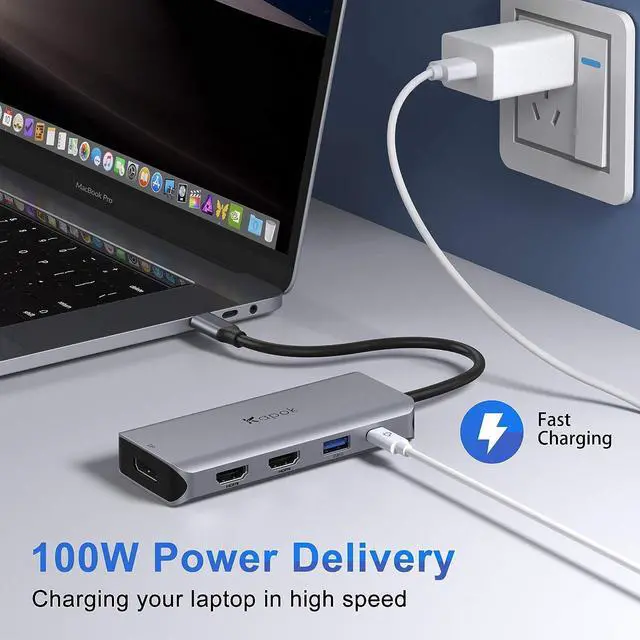
Provides one Type-C pass through Female port by which you could securely charge MacBook or other Type-C laptops. It supports 100W power in, but charging is limited with 87W for safety after connecting the original charger of your laptop to the type c port on the hub.
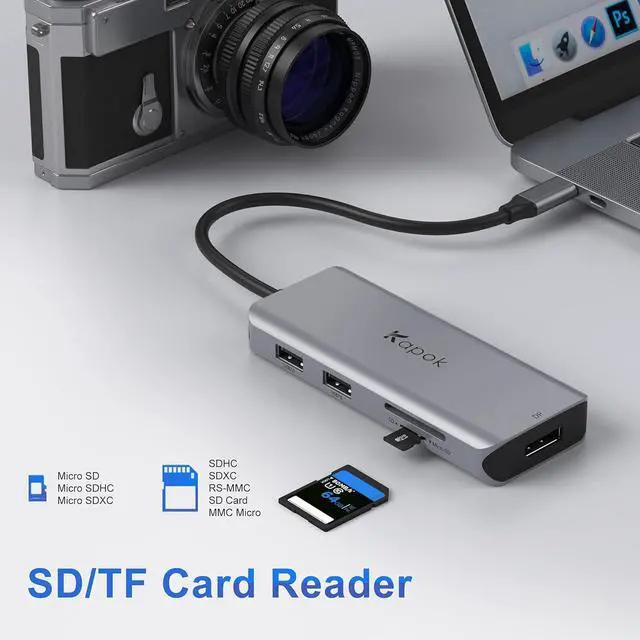
The USB C to SD/TF Card Reader for USB-C/Type-C/Thunderbolt 3 devices to access files directly from SD/TF card reader, support Memory card capacity up to 512GB.
Compatible with SD, SDHC, SDXC, Micro SD, Micro SDHC, Micro SDXC cards. Super fast read and write speed ,let you get access your files easily.SD&TF Card slot can be used simultaneously
1 USB 3.0 Port - 5Gbps
For the Laptop Docking Station Dual Monitor HDMI, you can transfer large files in seconds, data transfer speed up to 5Gbps and 4.5W(5V/900mA).
2 USB 2.0 Ports - 480Mbps
Make the WIFI Connection more stable,better for keyboard,printer and mouse or other low rate devices.Data transfer speed up to 480Mbps.
Built with advance chip,keep your hub safety & stable during operation. Temperature control and provide more stable Performance.
Support Dual or Triple Display:
Thunderbolt 3: 40Gb/s
USB-C 3.1 Gen 2: 10Gb/s
USB-C 3.1 Gen 1 (Support Power Delivery)
DOES NOT SUPPORT USB C DISPLAY OUTPUT:
× USB-C 3.1 Gen 1: 5Gb/s (data transfer only)
2 * HDMI 4K port- Support 4K@60Hz
1 * DP port
1 * USB C Power Delivery port
1 * USB 3.0 port
2 * USB 2.0 port
SD/TF/Micro SD Port,can be used on the hub simultaneously.
Compatible Laptop Devices:
Laptop with a fully funct