KCMYTONER drum unit deliver Reliable and Outstanding printing performance
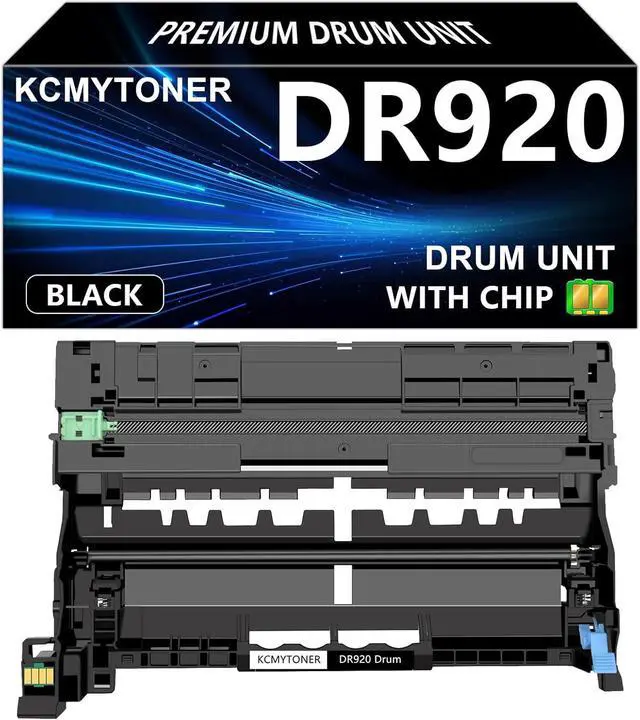
Item name: KCMYTONER Compatible Drum unit Replacement for DR920 Drum unit
Printed Pages: 45,000 pages per drum unit (at 5% coverage/A4 Paper)
Color of Printout: Black
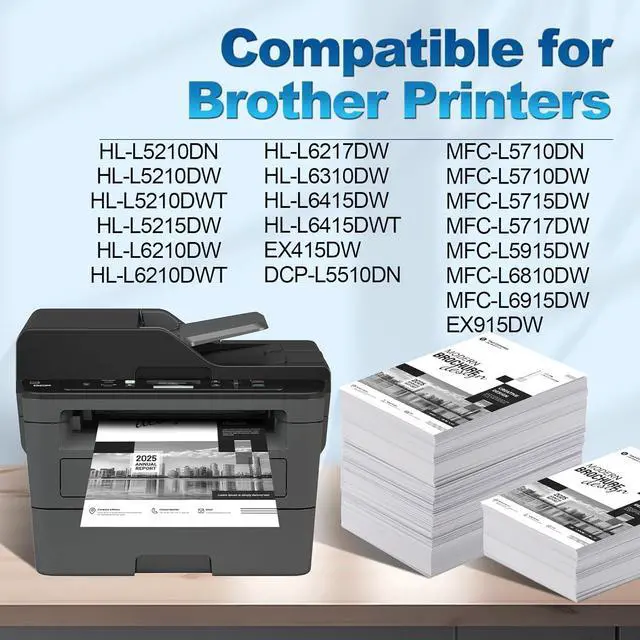
Compatible for Brother Printer: HL-L5210DN, HL-L5210DW, HL-L5210DWT, HL-L5215DW HL-L6210DW, HL-L6210DWT, HL-L6217DW, HL-L6310DW HL-L6415DW, HL-L6415DWT, HL-EX415DW; MFC-L5710DN, MFC-L5710DW, MFC-L5715DW MFC-L5717DW, MFC-L5915DW, MFC-L6810DW MFC-L6915DW, MFC-EX915DW; DCP-L5510DN
Usage Instructions:
1. Open the front cover and take out the used toner cartridges.
2. Take out the new toner cartridge. Shake the toner cartridge horizontally from left to right to distribute the toner evenly.
3. Remove all sealing parts completely from the toner cartridge.
4. Put the toner cartridge into the drum unit and slide the cartridge into the printer.
5. Then close the top cover.
Some Advice:
1. Please switch off the power when you take off or install the toner.
2. Please make sure the printer is working properly before install the toner.
3. Please don't touch the OPC by hand and avoid the OPC was scrapped.
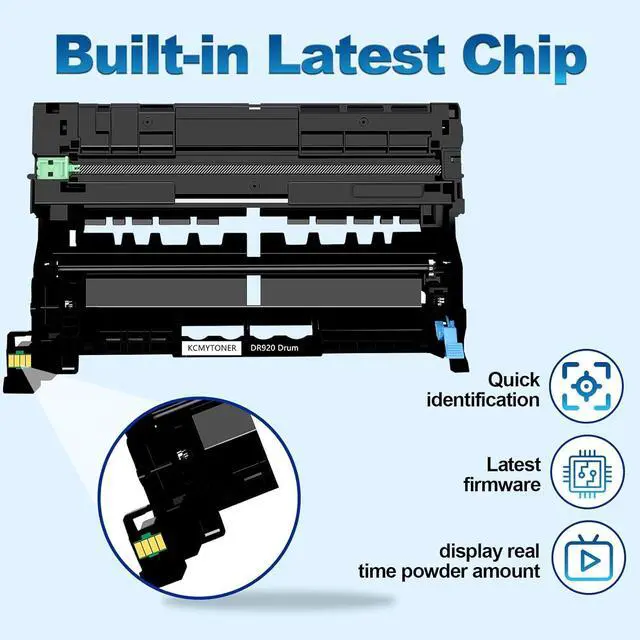
4. As our product is COMPATIBLE toner cartridge, the structure may be a little different from the original.
Please kindly note that it will not affect printing and printer. Our cartridges are perfectly compatible with your printer.