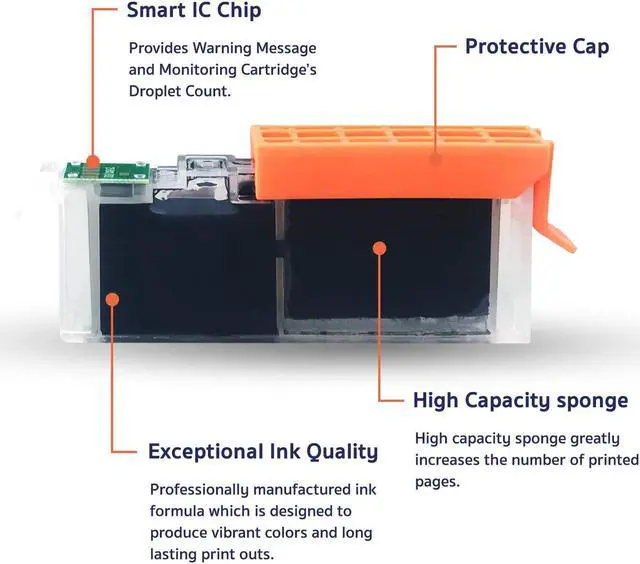
Professionally manufactured ink formula which is designed to produce vibrant colors and long lasting print outs.
Accurate ink level indicator along with consistent and stable performance.
High capacity sponge greatly increases the number of printed pages.
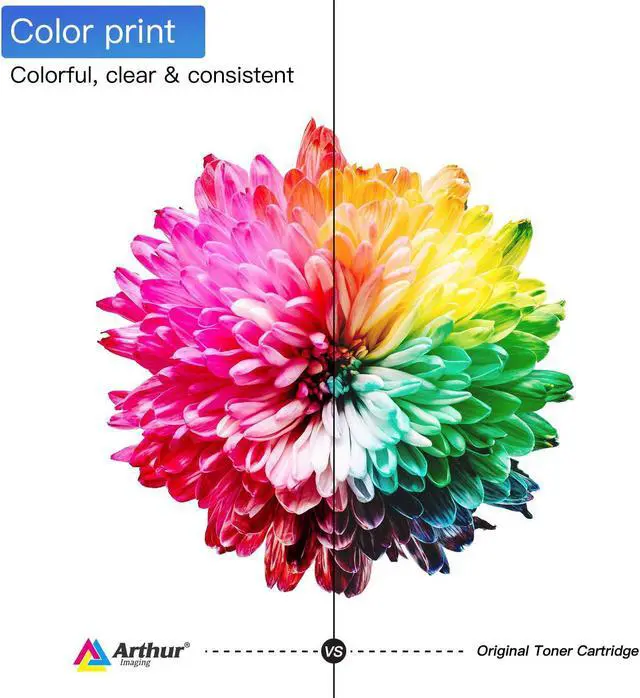
Our cartridges deliver crisp text and graphics. Producing clear and consistent prints.
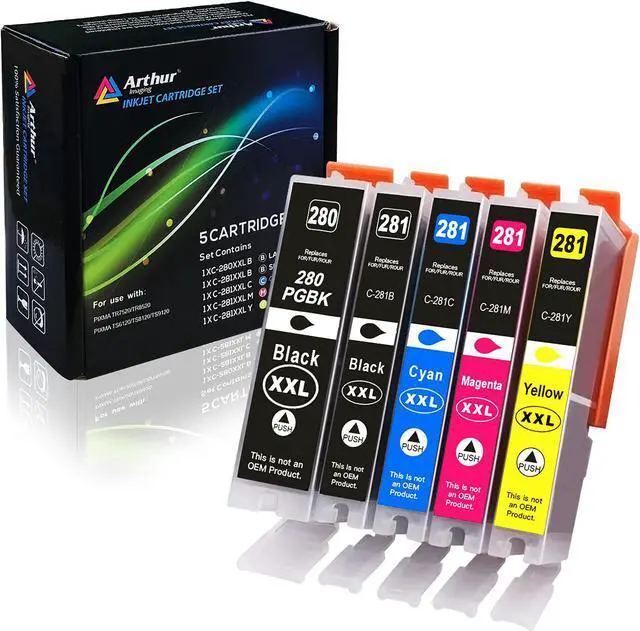
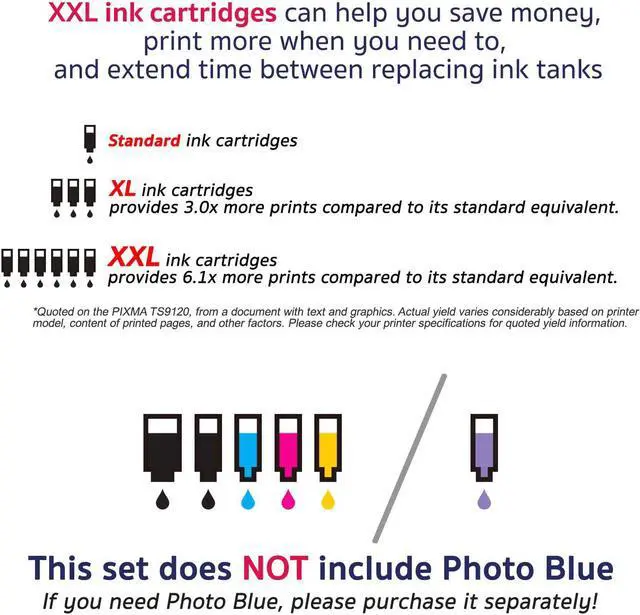
5 colors ink system
Canon Pixma TR7520,
Canon Pixma TR8520,
Canon Pixma TS6120,
Canon Pixma TS6220,
Canon Pixma TS9520,
Canon Pixma TS9521C
Tips:
For Users of Canon Pixma TS8120, TS8220, TS9120, please purchase our Arthur ImagingPGI280XXL 6-pack with Photo Blue package.
Step 1:
Make sure that the power is turned on, then open the scanning unit / cover. The print head holder will moves to the replacement position. Remove the ink tank where the ink runs out. Push the tab (A) and lift the ink tank to remove.
Step 2:
A. Prepare a new ink tank. Hold the ink tank with the orange protective cap pointing up.
B. Lift up the tab on the orange protective cap to remove it off Gently.
Step 3:
Insert the front end of the ink tank into the print head at a slant. Make sure that the position of the ink tank matches the label. Press on the top of the ink tank until the ink tank snaps firmly into place. Make sure the ink lamp lights up.
Step 4:
Close the scanning unit / cover. Just be careful not to get your fingers caught.
Ink Cartridges Details Exceptional ink quality: Smart IC Chip: High Capacity Sponge: High-definition printing: Compatible Ink Cartridge Replacement for Canon Easy Installment Easy Installment Easy Installment Easy Installment