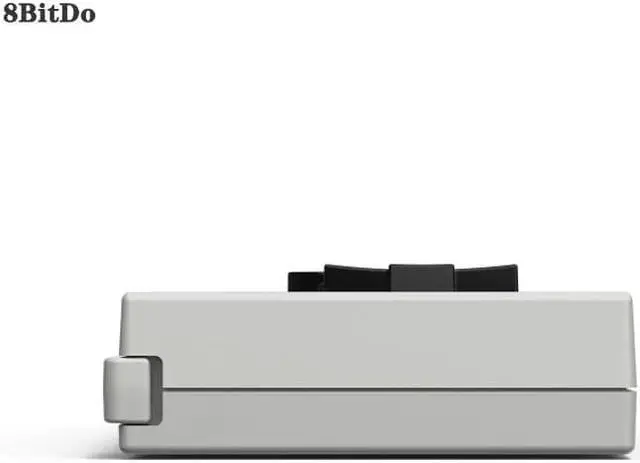
N30 Bluetooth Gamepad Everything Old Is New Again!
This bluetooth gamepad is for Switch online game.
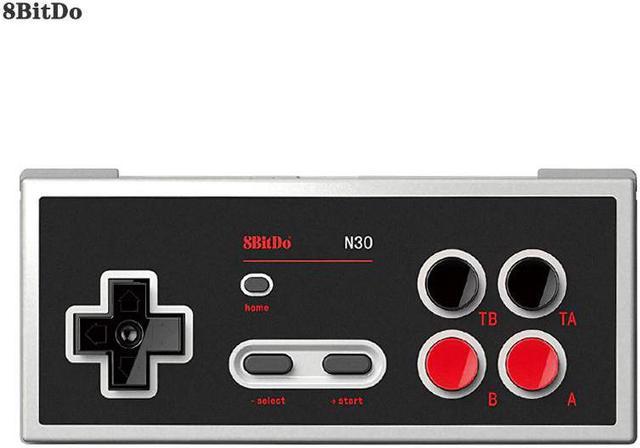
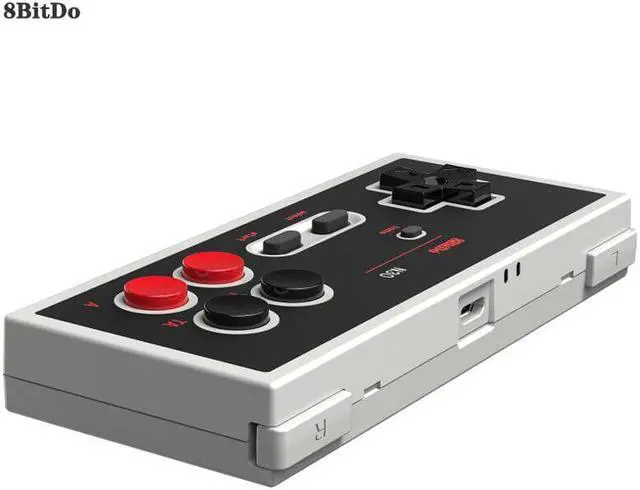
Has turbo and home buttons.
Equally compatible Switch online
Support firmware update.
Product description:
This gamepad is for Switch online game.
It has turbo and home buttons, Equally Switch online.
TB key is turbo B.
TA key is burbo A.
How to connect to switch:
1. Press START to turn on the controller, LED will start to blink.
2. Press and hold SELECT for 3 seconds to enter pairing mode. LED will rapidly blink.
3. Go to your Switch Home Page to click on Controllers, then click on Change Grip/Order to pair with the adapter.
4. LED will stay solid when connection is successful.
Controller will auto reconnect to your Switch with the press of START once it has been paired.
Press START to turn on the controller.
Press and hold START for 3 seconds to turn off the controller.
Press and hold START for 8 seconds to force turn off the controller.
Product information:
Package Dimensions 6.1 x 3.8 x 1.7 inches
Item Weight 5.9 ounces
With the corresponding Bluetooth game controller, players can get rid of the shackles of the handle cable, and play better and experience games
Play for your SNES Classic Edition, SFC Classic Edition and NES Classic Edition wireless
Compatible for all controllers and arcade sticks
Wireless Bluetooth, no lag
Access for Nintendo Classic Edition's home screen by pressing DOWN & Select on any controller