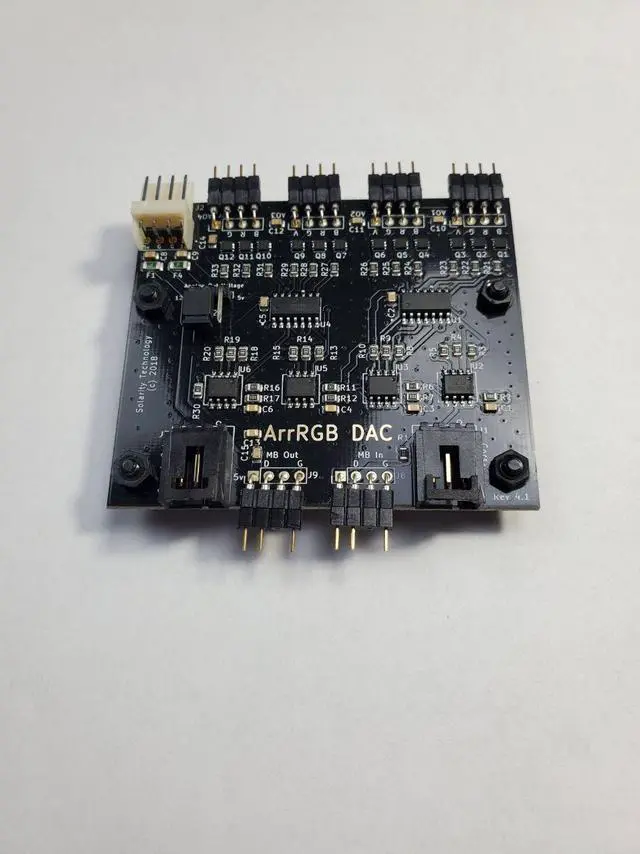
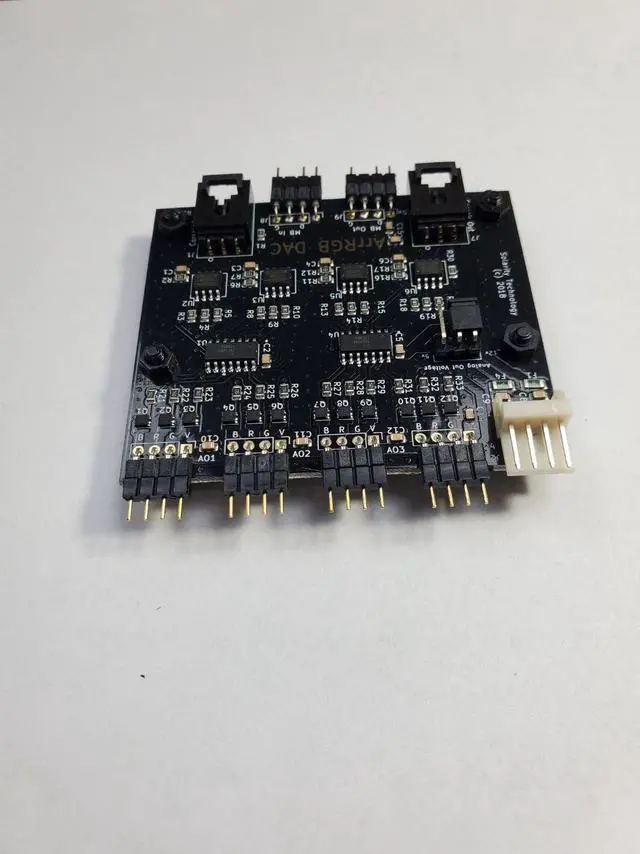
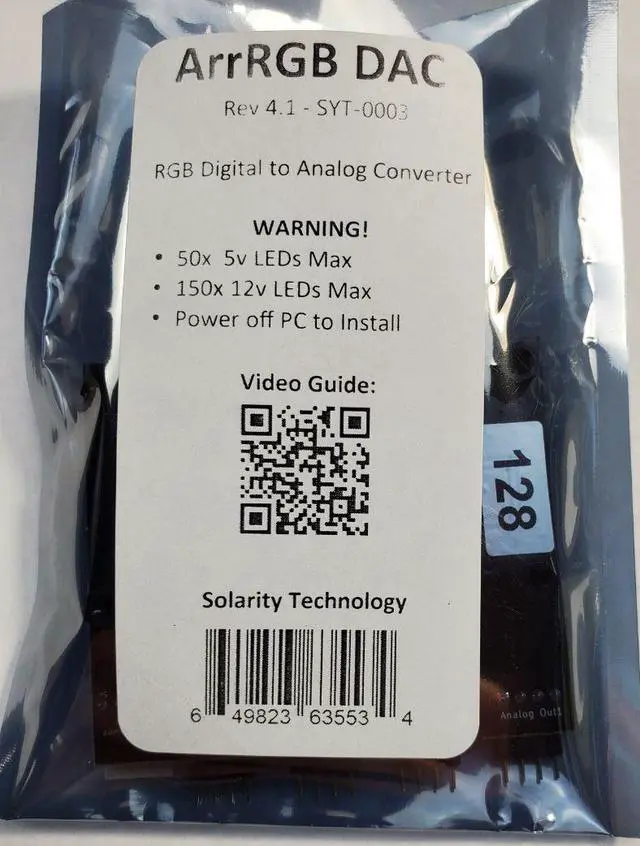
Solarity Technology presents the "ArrRGB DAC"! The ArrRGB DAC Rev. 4.1 is a 4 channel RGB device that allows you to use a 5v or 12v Digital/Addressable signal from a motherboard header or RGB controller and control Analog RGB devices on 4 different channels via the digital signal. This device requires an addressable signal to work; it will not function without a controller/MB header. You can daisy-chain additional RGB DACs or other RGB devices from the digital output. Unlike the input, both “ Corsair Out” and “ MB Out” can be used at the same time.
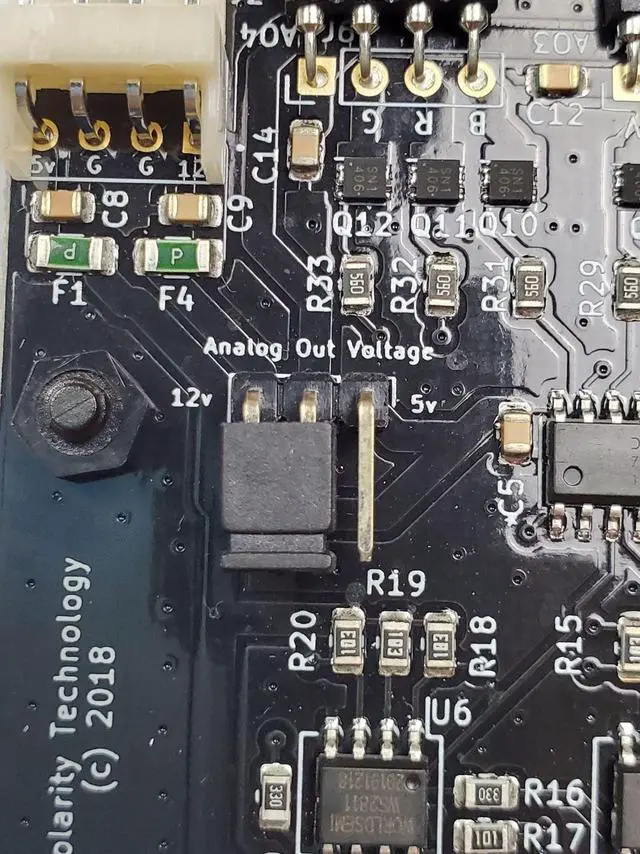
Just please keep the LED limits in mind. This new model has a 2 pin jumper to change between using 5v or 12vDigital/Addressable signals.
Instructions:
- Power off Computer!
- Fasten the ArrRGB DAC to a removable 2.5 ” or 3.5 ” hard drive caddy. Please use M3 screws, which is the standard screw size used to attach hard drives.
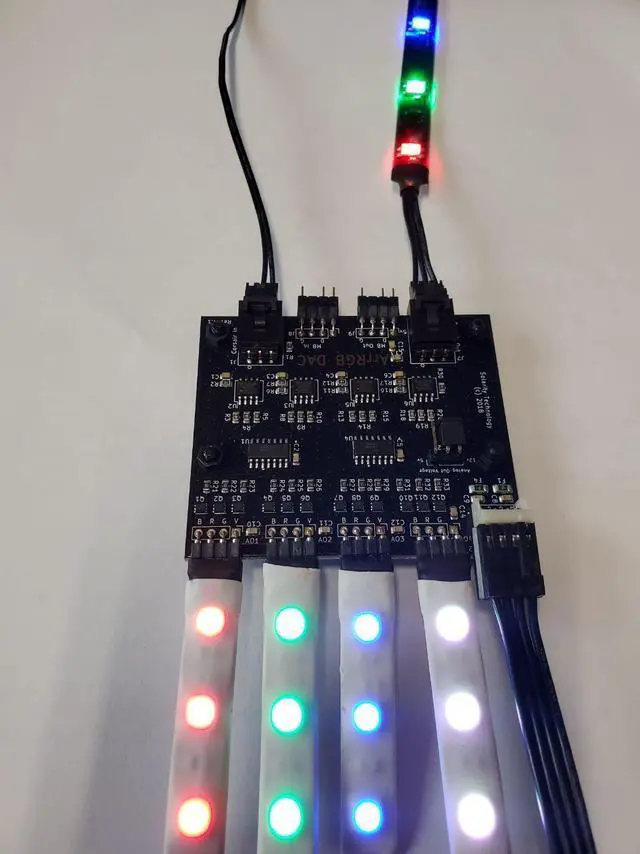
- Connect a Corsair controller or Motherboard header to the input. The board can only take one input. These cables can come with 3rdparty devices or can be purchased separately.
- Plug in a standard floppy drive power connector. Most PSUs come with one; Molex or SATA adapters can be purchased separately.
- Connect up to four analog RGB devices to the 4 headers to allow separate control of the devices that are connected to them. Splitters may be used, though please do not exceed the amount of LEDs mentioned in the warning.
- Configure your controller.
Note: Each of the analog channels is addressed as a single LED.
Compatible Devices:
- Corsair Commander Pro
- Motherboard headers that have addressable RGB headers that match the header of the ArrRGB DAC
- ASUS, AS Rock, MSI, and newer Gigabyte motherboards
- Corsair Lighting Node Pro