

AUBEAMTO USB-C 8K KVM Switch
Description:
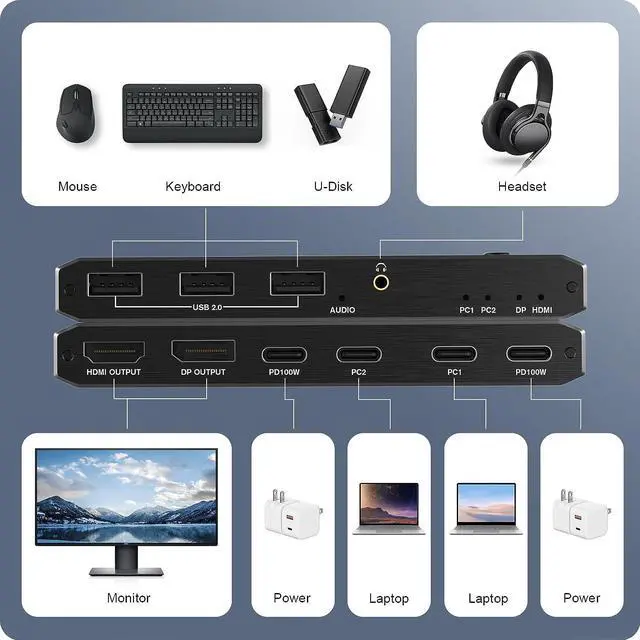
AUBEAMTO 8K USB C KVM Switch 100W PD Charge allows you to share one USB keyboard, USB mouse,1 x USB 2.0 device and one Displayport or HDMI monitor to control 2 Macbook,computers, laptops, game consoles.
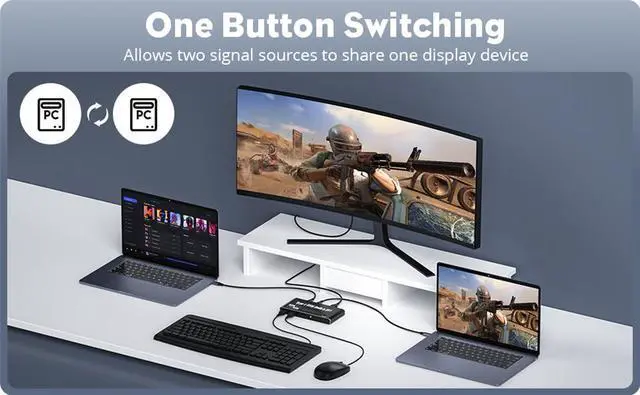
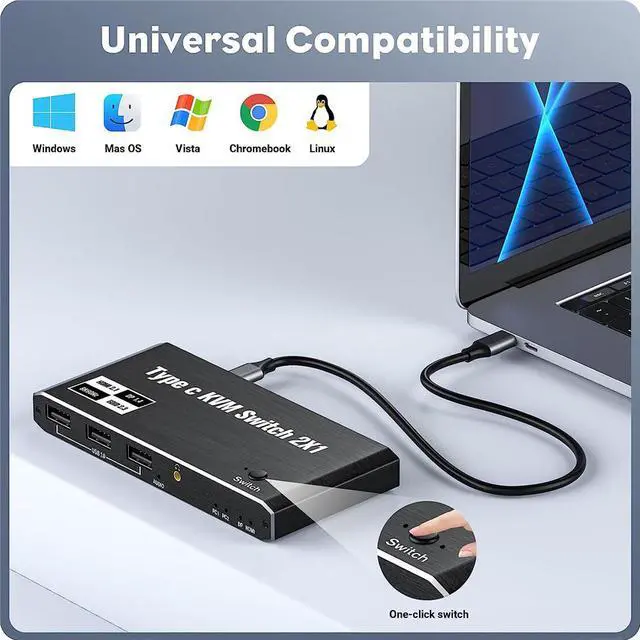
It is designed for multitask with two computers at your necessary, increasing productivity in the office or at home ; You can switch between 2 computers using a manual switch located on the top of the KVM unit.
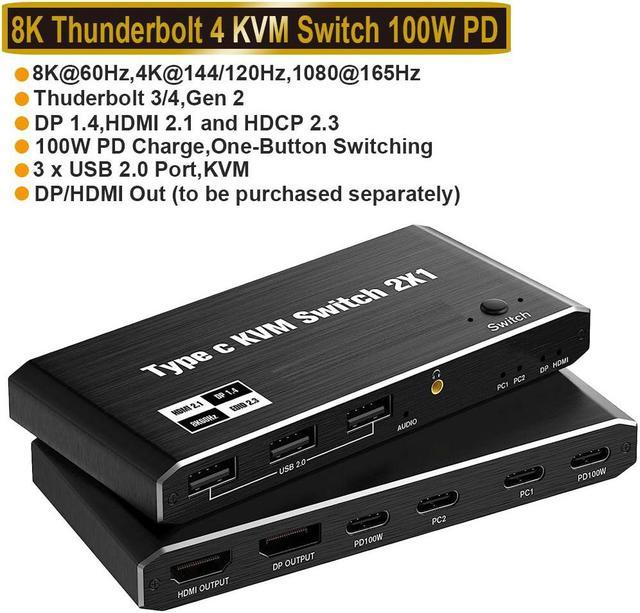
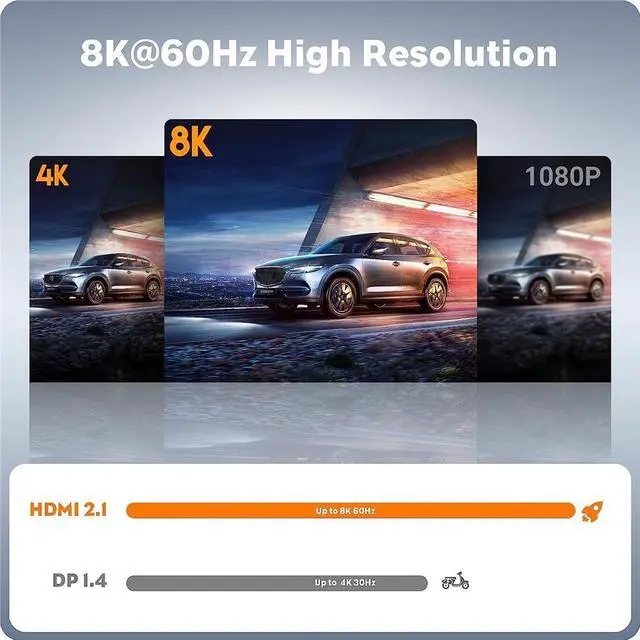
Displayport 1.4,HDMI 2.1 and HDCP 2.3,8K@60Hz 4K@120/144Hz 2 port Thunderbolt 4 USB C KVM switch with 3 x USB 2.0 port and 2 x 100W PD Reverse-Charge,support RGB/YUV 4:4:4 and 3.5mm jack audio extractor,One-button Switching,HDMI / DP out to be selected by yourself,Not support HotKey switch.
Features:
2 x USB-C 8K KVM Switch with one DisplayPort 1.4 or HDMI 2.1 Port for Video,with this 2 Port 8K KVM Switcher,you are able to connect from the switcher's two PC Input Port to your USB-C PC/Laptops via two standard USB-C Gen-2 Cable,then connect from the switcher's Standard DP 1.4 /HDMI 2.1 port to your Monitors via your own displayport 8K Standard Cable,you can press the "Switch"button to switch between two of your PCs.Note:You must plug our USB C to USB A cable to power the switcher while working
With 3 x USB 2.0 Output Port,two Computers share one set,you can connect 3 x USB2.0 Output to your USB Mouse,Keyboard,Printer,Disks,or other usb devices,while you switch from one PC to another PC,Your USB device will be synced to your external display without pluging and unpluging the related USB device repeatedly.The USB Port supports the USB 2.0 Specifications and the transfer rate is 480Mbps
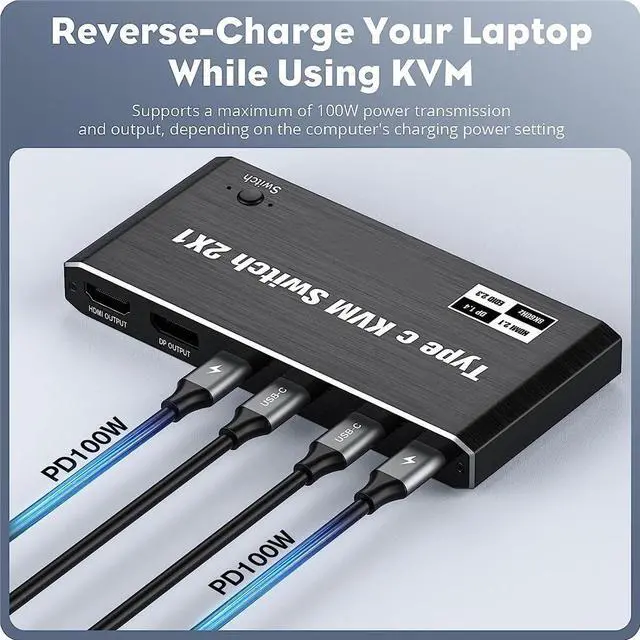
With 100 W Power Delivery, it provides 100W power to charge the signal source, ensuring uninterrupted operation during long working hours
DisplayPort 1.4 or HDMI 2.1 Video Output,with this switch,you can max output 8K@60Hz 4K@144Hz resolution in your external DisplayPort/HDMI Monitors,This requires that your USB-C pc and HDMI/DisplayPort cable Monitors should both supports the max resolution you would like to output,that is,your computer's USB-C port should be thunderbolt 4 and Monitor's DP/HDMI Port should be select(Note:HDMI and DP port could not display at the same time,only support single monitor).If laptops with usb-c Gen-2 Port or Thunderbolt 3 Port,it can only max up to 4K@60Hz
This USB-C KVM switch equipped with two USB-C Gen-2 Cable as accessories to connect your USB-C Laptops,meanwhile,it includes a USB-A to USB-C Cabler for Power.With Multiple USB Ports,solved the problems of insufficient USB Interface,Two computers share one screen, and connect USB devices such as mouse and keyboard synchronously.Notes:The PC1 Input and PC2 Input only connect to your USB-C PC,these two ports are forbidden to connect to your USB-C Hub
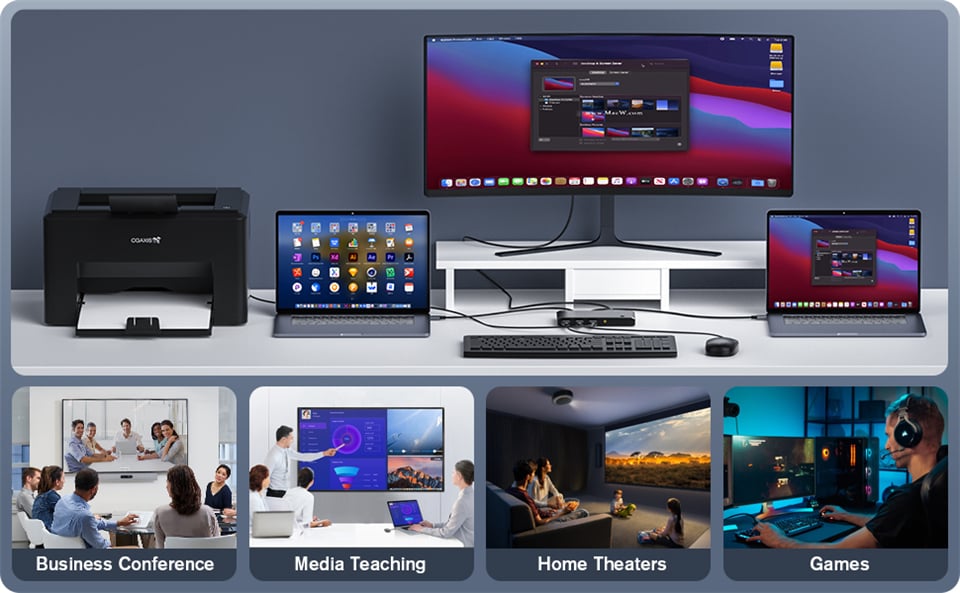
Widely used in many occasions: Our This USB-C Switch is easy to use and can be widely used in Studying, Entertainment, Work and other Occasions, ultra-High-Definition Smooth Video and Picture Quality Experience, Multi-source Switching, providing multiple possibilities for work and entertainment
| Input Port: | 2 x USB Type C Female Port for USB-C PC Input,2xUSB Type-C Female for 100W |
|---|---|
| Bandwidth: | DP 1.4: 32.4Gbps / HDMI 2.1: 48Gbps / USB 2.0: 480Mbps |
| DP Deep Color: | 8bit / 10bit / 12bit |
| Chassis: | Aluminium alloy Shell |
| HDMI : | HDMI 2.1 and HDCP 2.3 Standard |
| Accessories: | 2x 1.2 meter USB-C 3.1 Gen-2 Cable;1xUSB A to USB C Power Cable;User Manual |
| Cable Length: | 2.0m Max(Standard 8K DP/HDMI cable) |
| Output Port: | 1 x DP Female Port,1x HDMI Female Port,3 x USB 2.0 A Female Port, 1x3.5mm Jack |
|---|---|
| Resolution: | HDMI/DP:1080P@60Hz/120Hz/165Hz, 4K@60/120Hz/144Hz(DSC), 8K@30,8K@60Hz(DSC) |
| Chroma: | 4:2:0 / 4:2:2 / 4:4:4 |
| USB-C : | Thunderbolt 3 / Thunderbolt 4 / Gen 2 Standard |
| DP : | DisplayPort Standard 1.4 Standard |
| Extra Power: | Required,via a USB A to USB-C Cable to your USB Devices or Power Adapter |
| Dimension: | 122mm(L)x48mm(W)x19.3mm(H) |
Notes while using:
1:If your USB-C laptops with USB-C/Thunderbolt 3 Port,you can max output 4K/60Hz in your Displays.If USB-C Laptops with Thunderbolt 4 Port and your Monitors support DP1.4 or HDMI 2.1,then you can max output 4K@144Hz(Your dp/hdmi cable,your usb-c cable and your dp/hdmi monitors should supports 4K@144Hz).
2:While connecting,you should power the switch via our attached USB-A to USB-C Cable. 3:We do not suggest to connect to Phone and Tablet.
3.HDMI and DP port could not display image at the same time,only support single monitor
Package contents
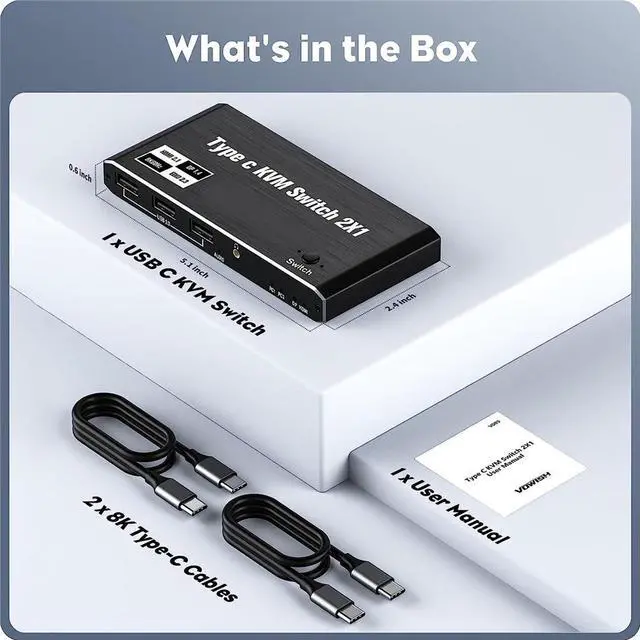
1 x USB C Thunderbolt 4 KVM Switch
1 x USB Power Cable(Type A to Type C)
2 x 1.2 meter USB Gen 2 Cable(Type C to Type C)
1 x User Manual
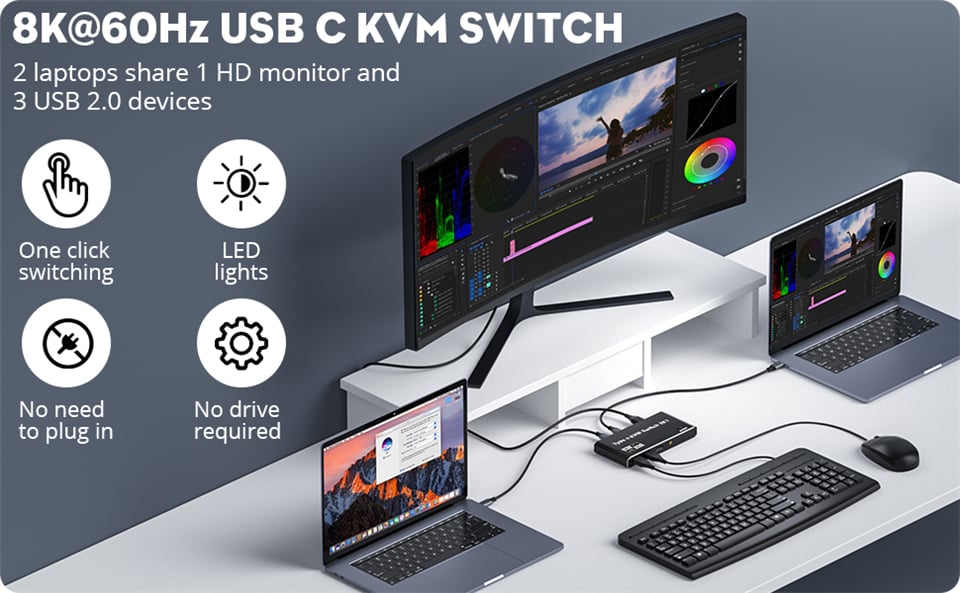
Thunderbolt KVM Switch Max supports 3xUSB Devices,share two PCs Laptop with one Monitor:This USB C KVM 8K Switcher,with 2 xUSB-C PC Input Ports,4x USB Output Ports,1 HDMI Output ports and 1 DP Output ports (purchased single monitor by yourself)
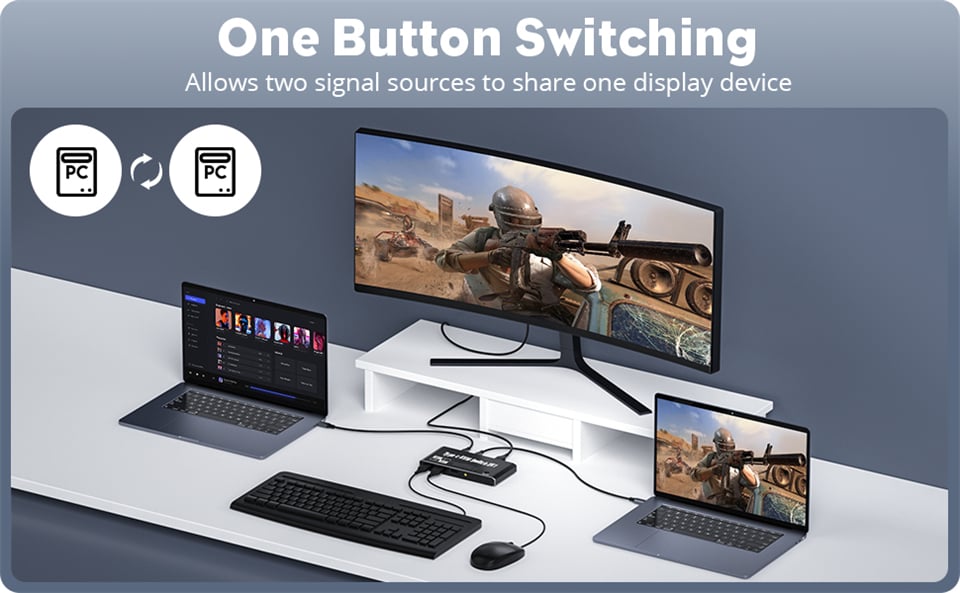
You can control your two PCs with one USB Mouse or Keyboard ,and making your usb disks to be read in both your two pcs via connecting USB Mouse,Keyboard/Disks in the USB-C KVM Switcher,Press"Switch" button in the switcher to switch between your two PCs
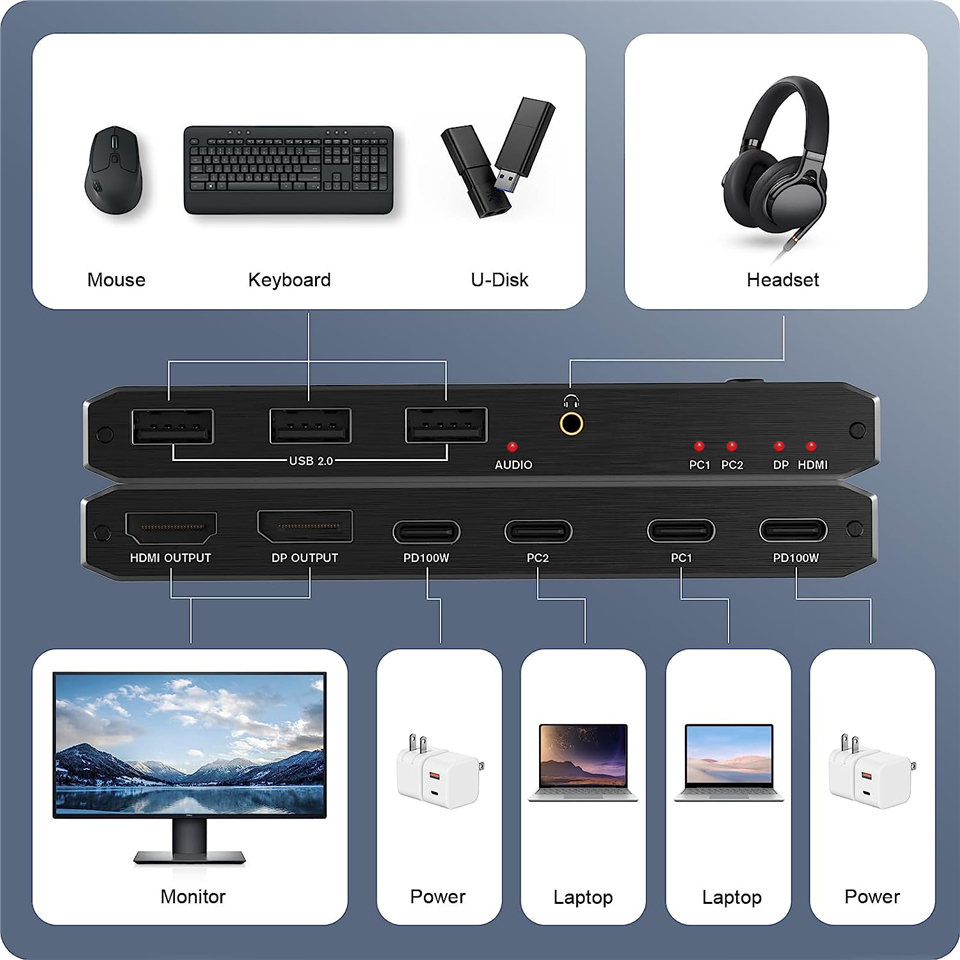
Input Port : 2 x USB Type C Female Port for USB-C PC Input,2xUSB Type-C Female for 100W Power Delivery
Output Port: 1 x DP Female Port,1x HDMI Female Port,4 x USB 2.0 A Female Port, 1x3.5mm Jack
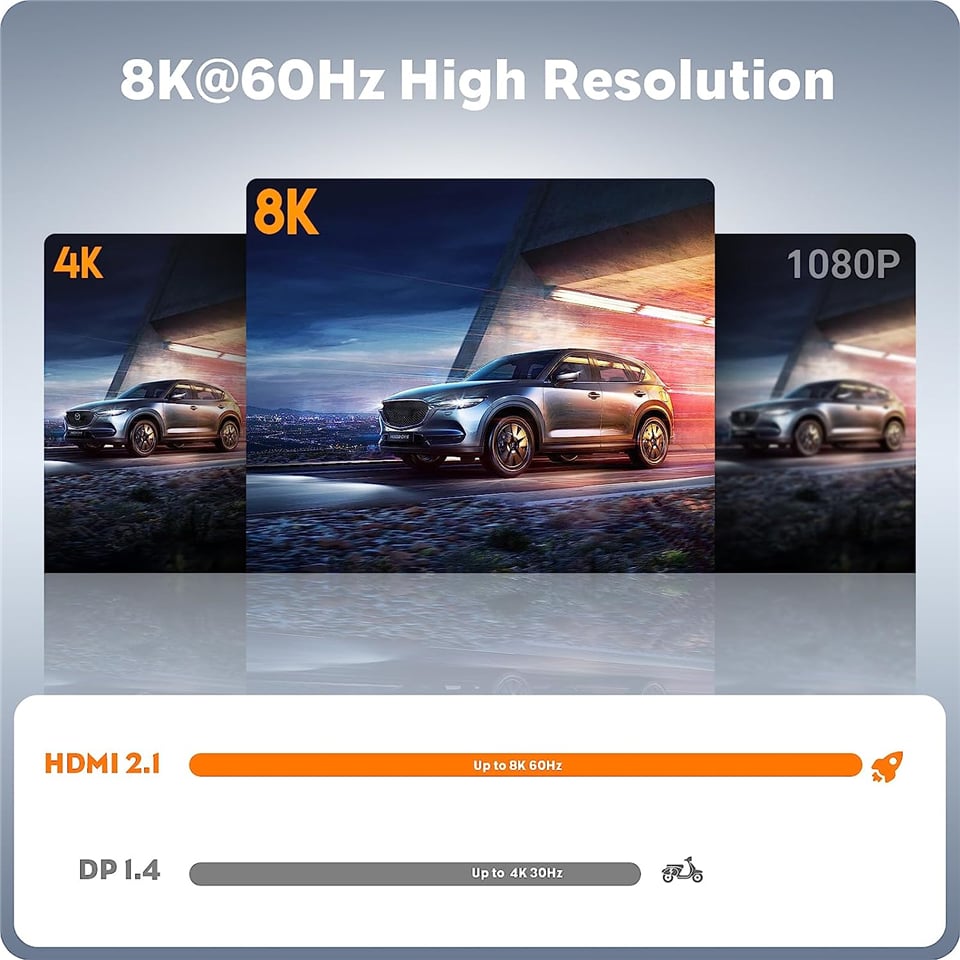
USB C KVM Switch resolution supports up to 1080P@120/165Hz,2K@60/120/144Hz,
4K@60/120/144(DSC),8K@30/60Hz, backward compatible.
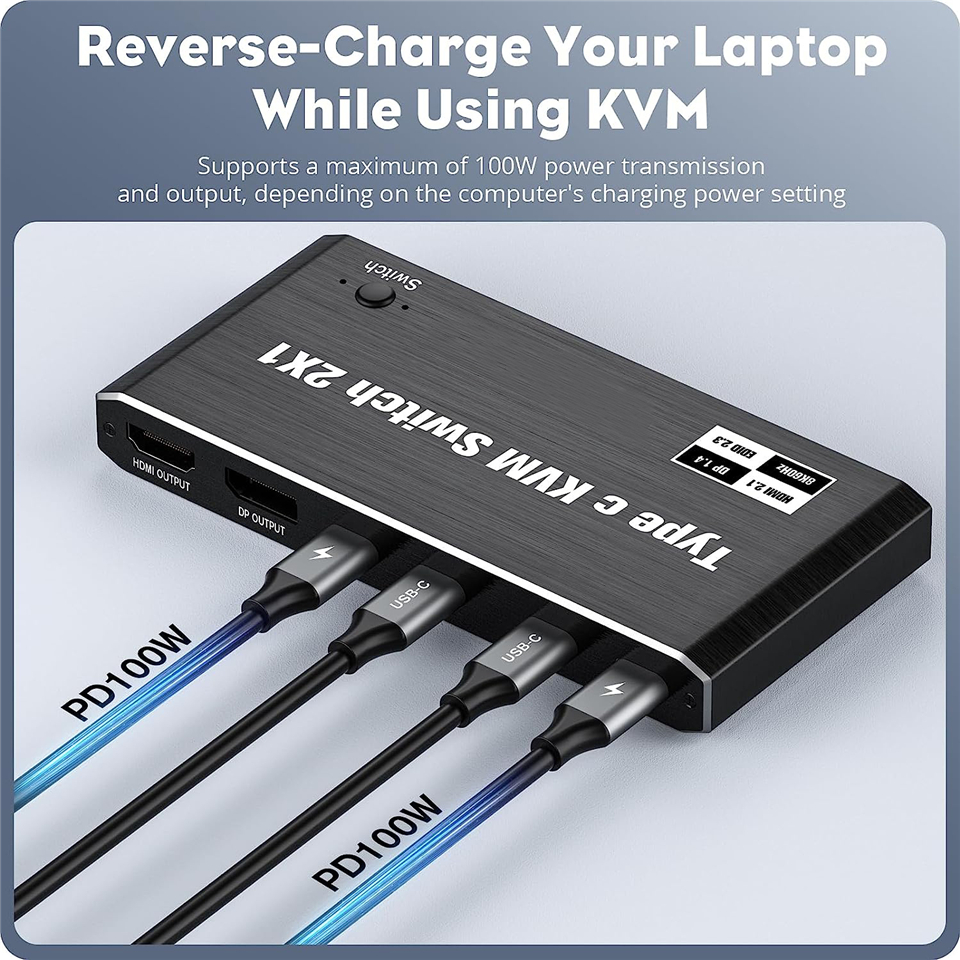
With 100 W Power Delivery, it provides 100W power to charge the signal source, ensuring uninterrupted operation during long working hours
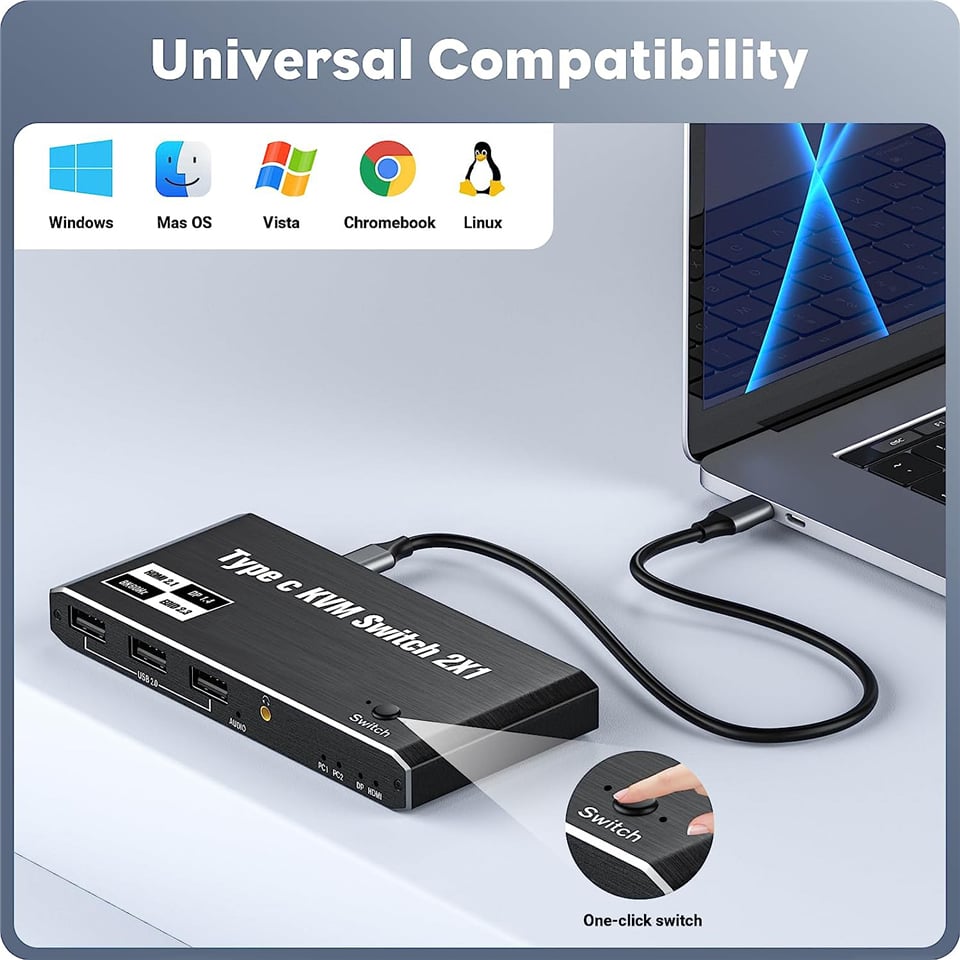
PC/Laptop/Mac: please make sure your computer has at least one USB Type C port support Full Type-C Function(support Data & Video &PD) before buying this USB C KVM switch selector.