• $52.45
  • Free 30-day Returns
Ships from China.
Price alert
Shop it at NeweggBusiness.

Meet Your Seller

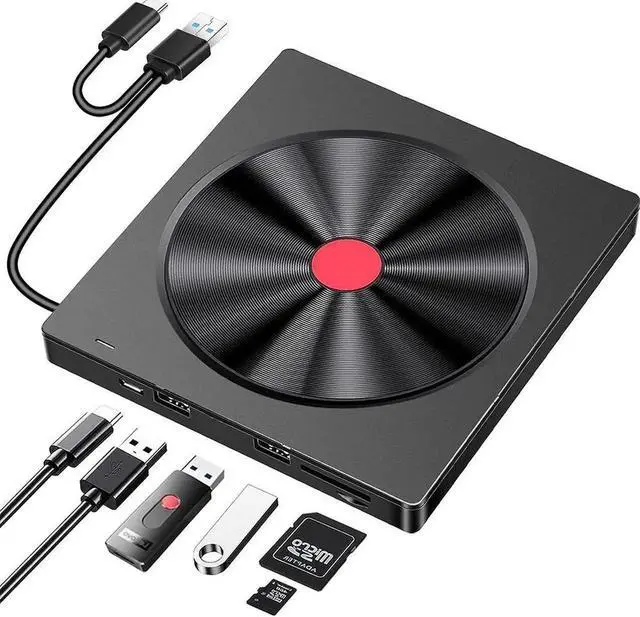
External CD/DVD Drive for Laptop, 6 IN 1 USB 3.0 Ultra-Slim DVD player for laptop, CD ROM Burner Writer External Disk Optical Drive Compatible with Laptop Desktop PC M-a-c-Book Windows Linux MacOS

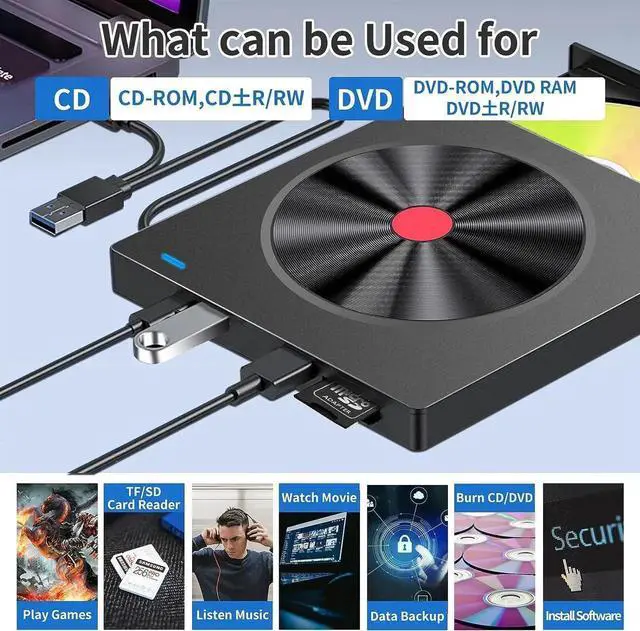
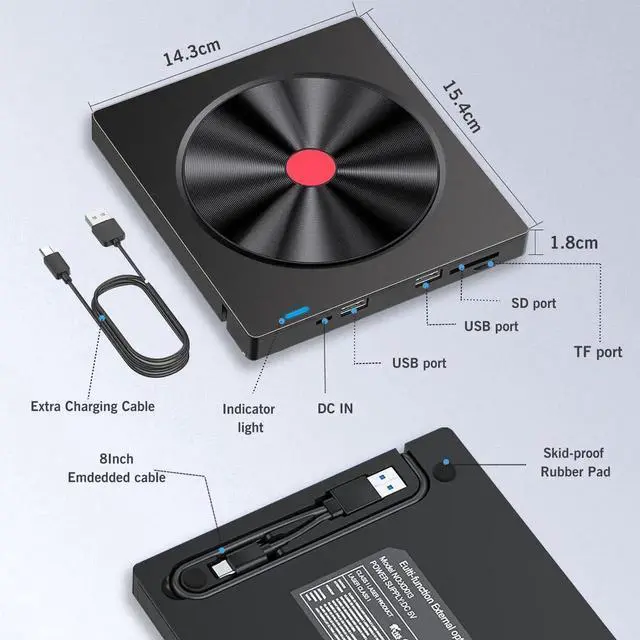
  • [6 in 1 CD Drive] The external cd/dvd drive is not only a CD/DVD reader, but also a CD/DVD burner,it has an independent SD/TF card slot, 2 USB ports and micro USB ports. It can transfer photos, videos or musics directly from SD / TF card into the computer, USB Hard Drive and flash drive.
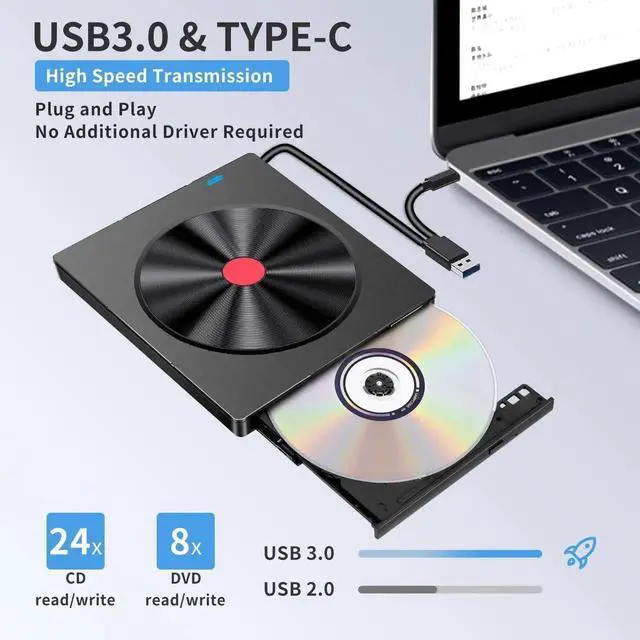
  • [Plug and Play] The external DVD drive is powered by a USB 3.0 port, no external power required, just plug it into the USB 3.0, USB-C port, this portable CD/DVD drive will be recognized by your laptop or desktop computer automatically.
  • [USB 3.0 High-speed Data Transmission] with high speed USB 3.0 technology, provide hign speed data transfer speed and stable performance, Max 8x DVD and Max 24x CD Read/Write Speed without lag or distortion. (Backwards compatible with USB 2.0)
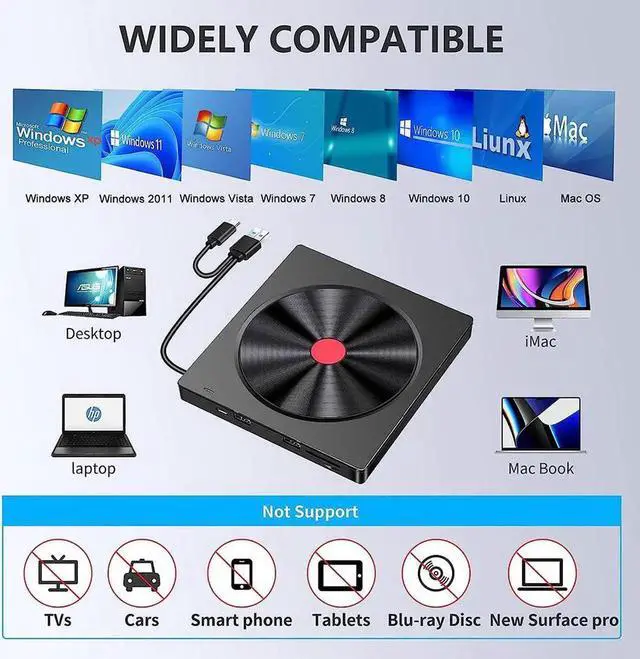
  • [Wide Compatibility] Compatible with Windows 11/ 10/ 8.1/ 7/ XP, Linux, MacOS. (Note: iPad, phones, Chromebook, TV, cars, Blu ray are not supported)
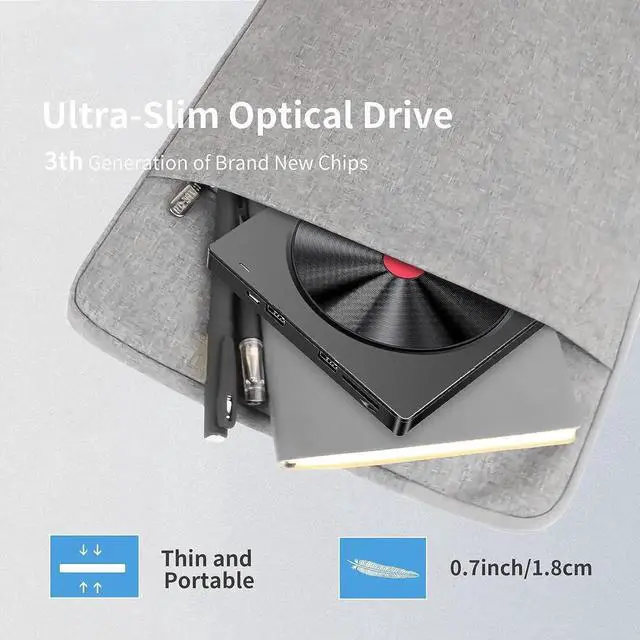
  • [Slim & Portable Design] This DVD drive is very slim and lightweight.
+
+
Overview
Specs
Reviews

- The external cd/dvd drive for laptop doesn't support Blu-ray Discs / TV / Car / Truck / Smartphones & Tablet / Chrom-ebook / ChromeOS// i-Pad / Ubuntu OS.

- If you use the dvd/cd drive on desktop PC, it's better to plug the drive into the back end interface for more strong power supply.

- Before using external disk drive, please make sure your computer has "Media Player".

- If you connect it to a USB hub or extender, it could not be recognized or unable to read the CD/VCD.

- Please plug the drive into the computer to open the drive door. For MacOS, use the mac command to eject disc.

- The DVD Drive comes with an extra power cord. If your devices don't have enough power to support the external CD drive, it's better to plug the drive into the back end interface for more strong power supply.

- Please must set region code to #1 to play USA discs. (Device Manager> Right-click DVD/CD Rom> Properties> Area)


Warranty & Returns

Warranty, Returns, And Additional Information

Warranty

  • Please contact the Seller directly for warranty information. Warranty information may also be found on the Manufacturer's website.
  • CONTACT

Return Policies

Manufacturer Contact Info

LOADING...