USB 3.2 PCIe Card Total 20 Gbps Bandwidth
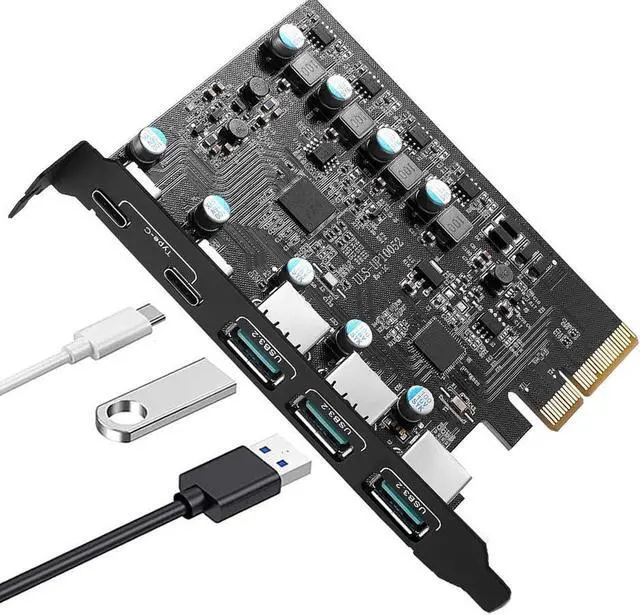
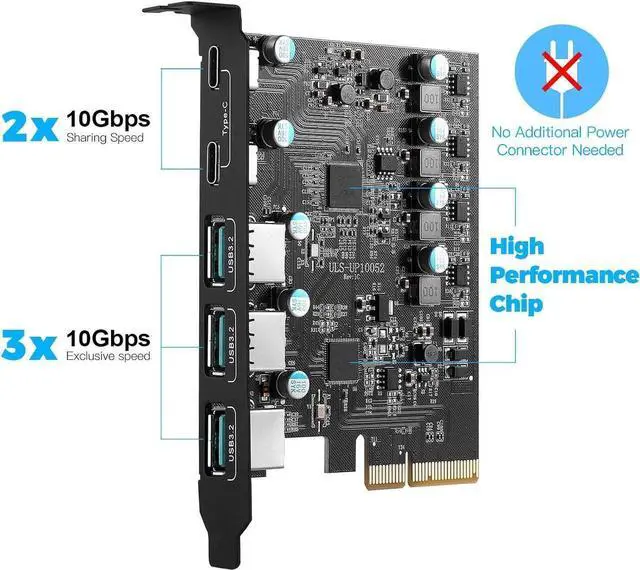
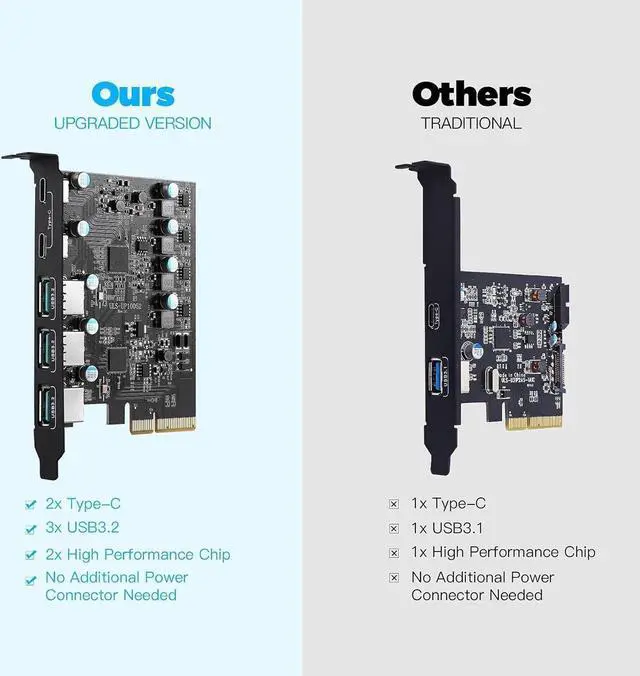
This item can provide you with 5 USB expansion ports. The 2 USB C ports support power delivery protocol and can provide up to 30W charging power per port to recharge your phone, tablet or even laptop, and the 3 USB A ports support BC 1.2 protocol and can provide up to 7.5W charging power per port
With the new USB 3.2 Gen 2 standard, each port can reach up to 10 Gbps transfer rate when used solely. The 5 USB ports share a 20Gbps transfer rate and you can view the picture to learn more about the bandwidth allocation
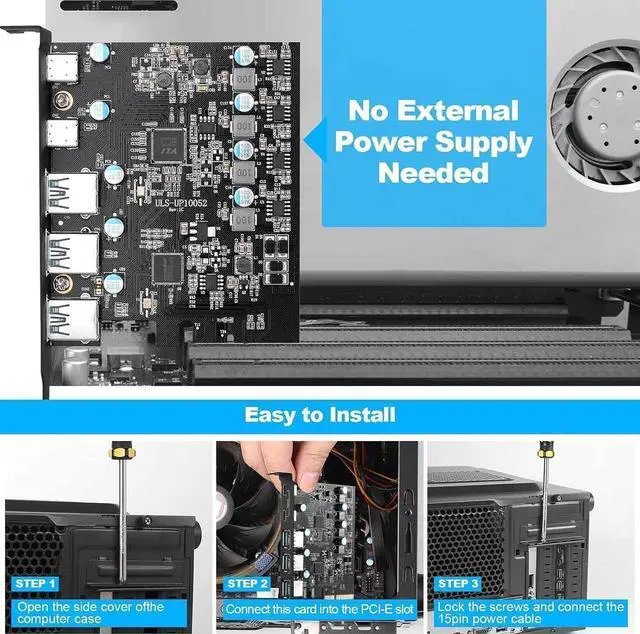
Powered by the PCIe interface, this card doesn't require any external power supply, easy to install and use
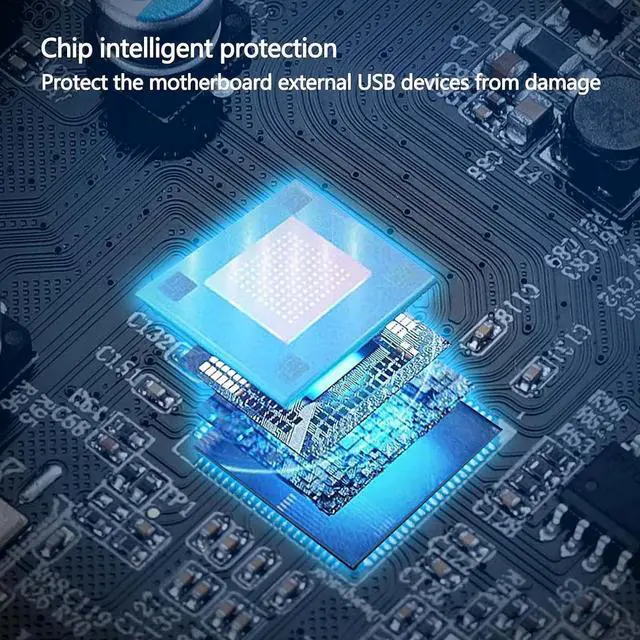
This PCIe to USB 3.2 Gen 2 card adopts overcurrent-protection chip and has passed the IEC61000-4-2 Ed. 2 ESD test, which can better keep your computer and devices secure
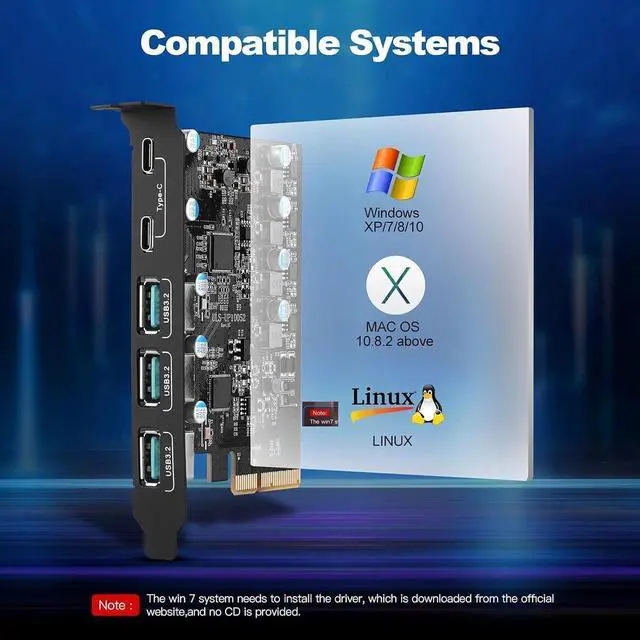
This item is compatible with Window 7/8/10/11, Linux and Mac OS 10.8. 2 and later
USB 3.2 PCIe Card Total 20 Gbps Bandwidth
This item can provide you with 5 USB expansion ports. The 2 USB C ports support power delivery protocol and can provide up to 30W charging power per port to recharge your phone, tablet or even laptop, and the 3 USB A ports support BC 1.2 protocol and can provide up to 7.5W charging power per port
With the new USB 3.2 Gen 2 standard, each port can reach up to 10 Gbps transfer rate when used solely. The 5 USB ports share a 20Gbps transfer rate and you can view the picture to learn more about the bandwidth allocation
Powered by the PCIe interface, this card doesn't require any external power supply, easy to install and use
This PCIe to USB 3.2 Gen 2 card adopts overcurrent-protection chip and has passed the IEC61000-4-2 Ed. 2 ESD test, which can better keep your computer and devices secure
This item is compatible with Window 7/8/10/11, Linux and Mac OS 10.8. 2 and later
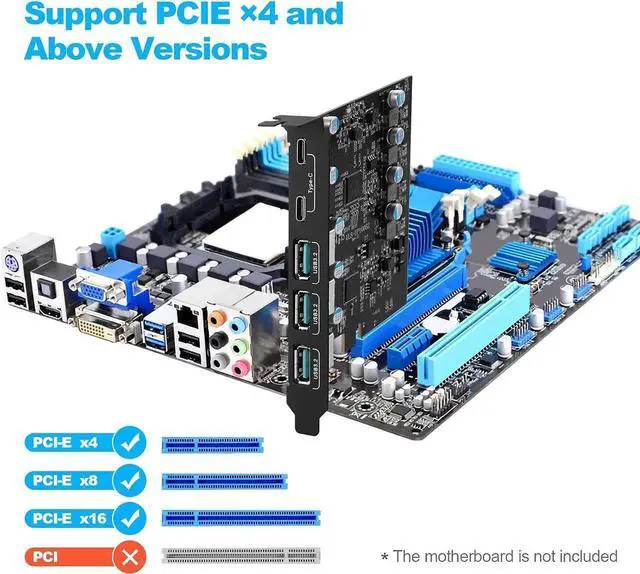
1. Not compatible with the old version of PCI Express X1 slot.
2. The USB expansion card only supports data transmission, not video signal transmission (DP, HDMI monitor) or Such as USB c Hub hdmi/VGA function conversion.
3. Do not install this PCIE card when the computer is turned on.
4. If the card doesn't work, check whether the PCI-E socket on the motherboard is faulty.
5. Also, for USB 3.2 cards to get USB 3.2 SuperSpeed +performance, be sure to use PCI-E 3.0 or higher slots for card installation.
6. The card is For standard-size computers only and doesn't apply to low-profile/mini/half-height PC (didn't come with a half-height bracket).
7. The USB device has a limitation on the throughput/performance of data transfer from the expansion card. In addition, do not plug high power cord/USB to HDMI cord into this USB 3.2 card to avoid unnecessary compatibility issues.
Package Contents:
1 * USB 3.2 PCIE Card
2 * Screw
1 * CD Drive
1 *User ManualZ