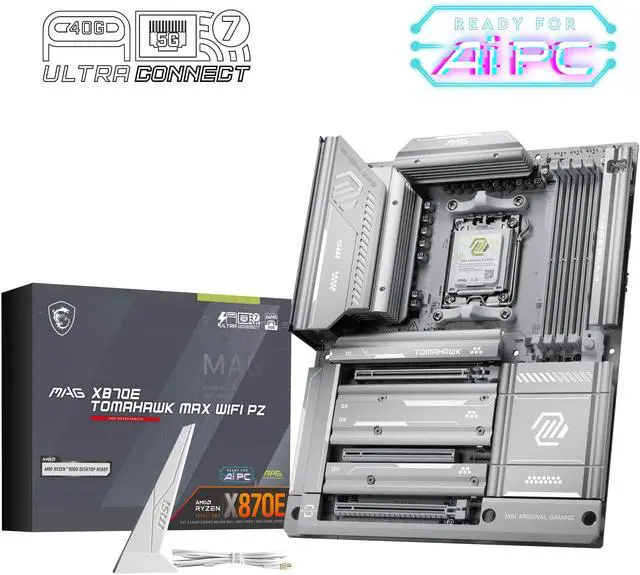
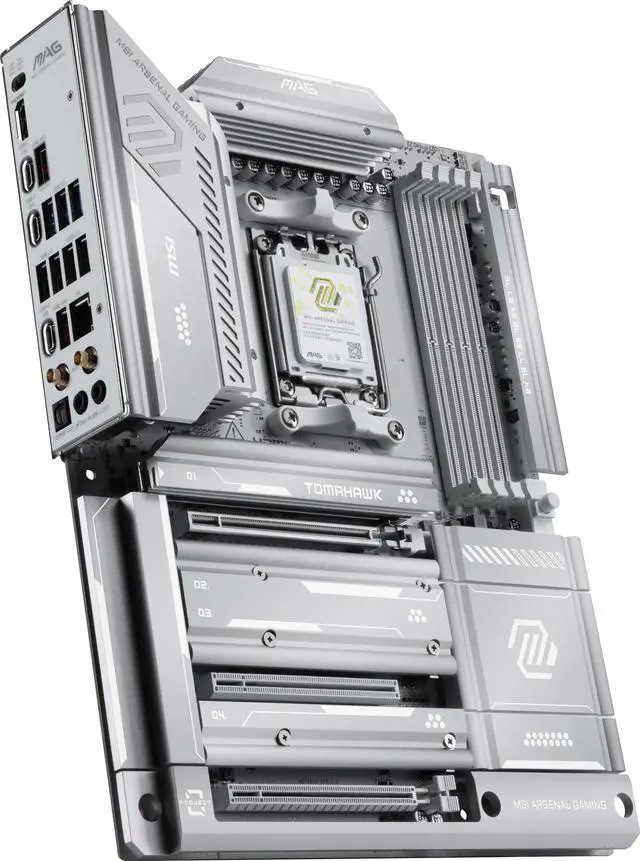
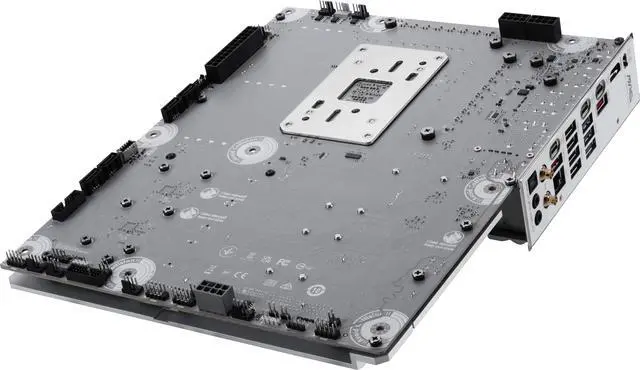
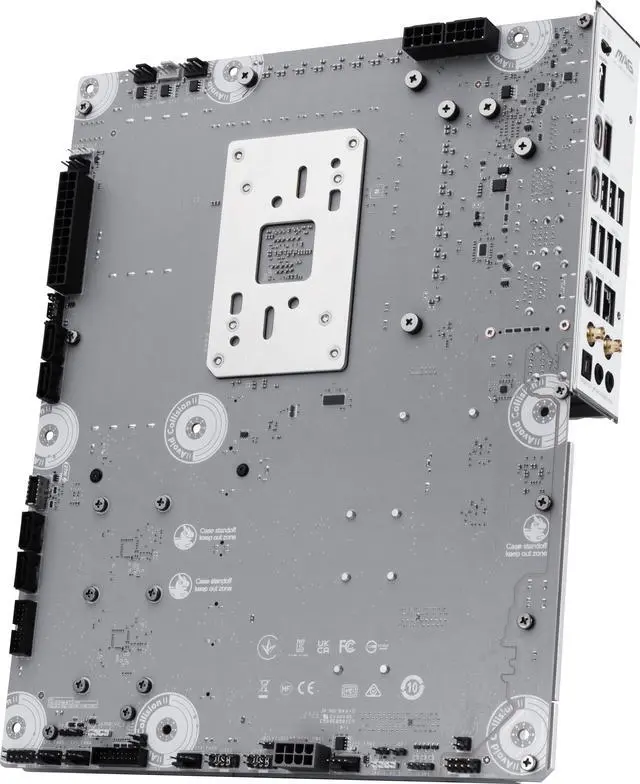
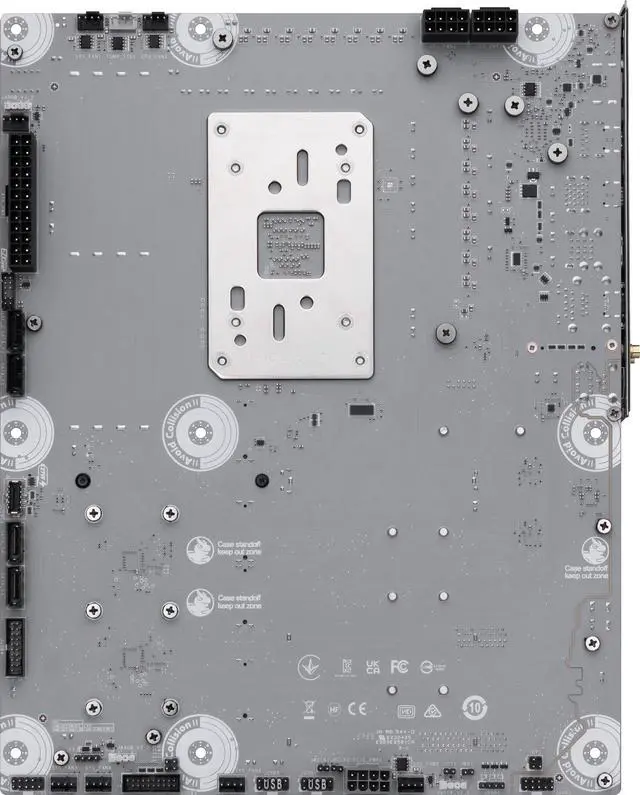
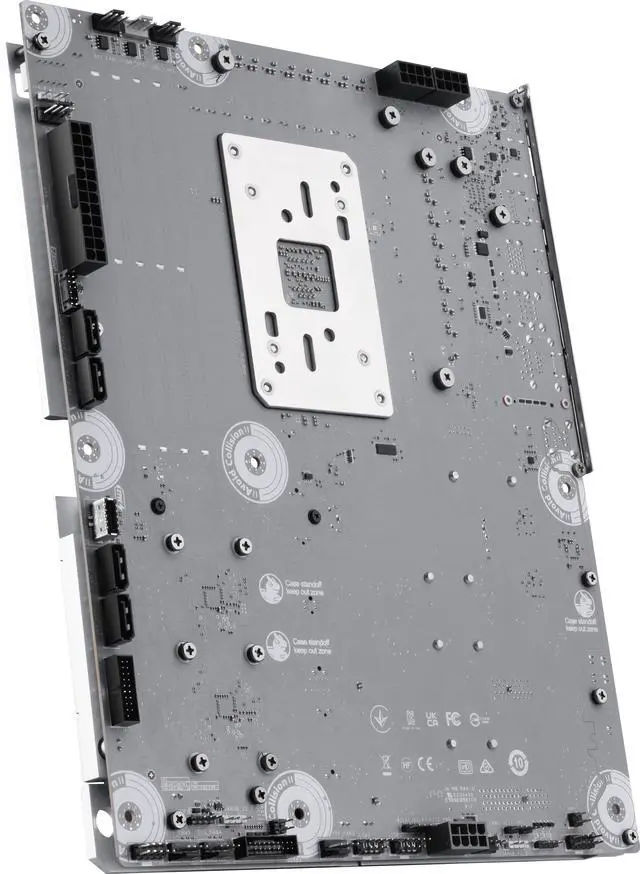
Back-Connect Design: Move the connectors to the back to provide a cleaner and neater front view and significantly reduces the difficulty of cable management.
64MB BIOS: A larger BIOS ROM capacity allows the motherboard to support
next-level CPU upgrades with better compatibility.
OC Engine: With the clock generator, the OC Engine technology releases the
maximum power of CPU.
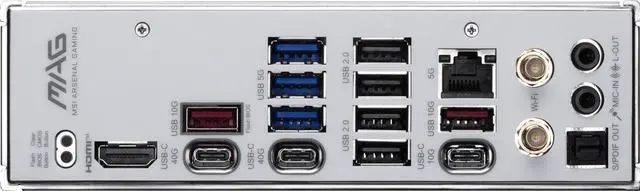
Lightning USB 40G: Featuring a built-in USB 4 port, it offers a lightning-fast 40Gbps transmission speed.
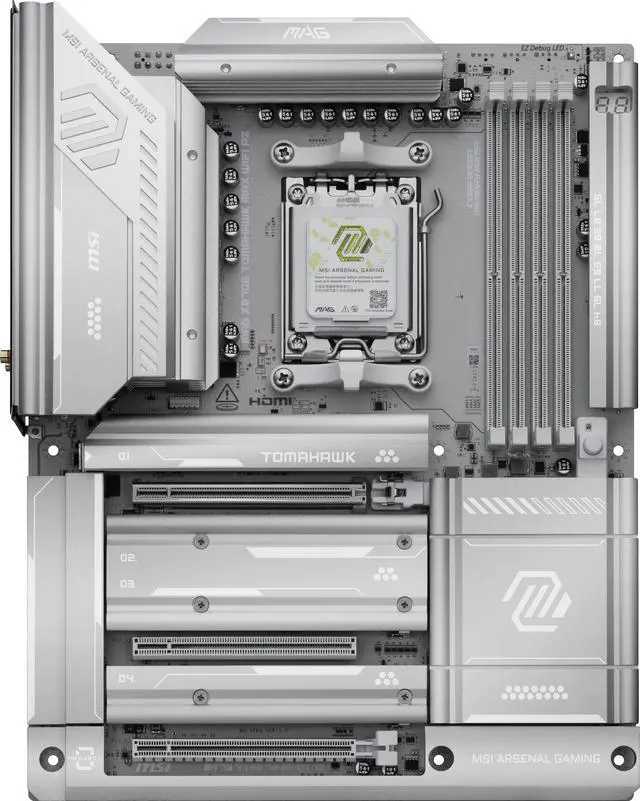
EZ PCIe Release A simple press of a button to effortlessly lock or unlock the PCIe slot, simplifying the installation and removal of the graphics card.
EZ M.2 Shield Frozr II: The new tool-less design makes installing or removing your M.2 SSD and Shield Frozr much easier.
Quadruple M.2 Connectors: Onboard quadruple M.2 connectors for the maximum storage performance.
Lightning Gen 5: The latest PCIe 5.0 solution with up to 128GB/s bandwidth for
maximum transfer speed.
5G Network Solution: Featuring premium 5G LAN to deliver better network experience.
Wi-Fi 7: The latest wireless solution with a new 320MHz channel, achieving a maximum transmission speed of 5.8Gbps, which is 2.4 times faster than Wi-Fi 6/6E.
+
+
Overview
Specs
Reviews (9)
Learn more about the MSI MAG X870E TOMAHAWK MAX WIFI PZ
PCI_E3 Gen PCIe 4.0 supports up to x4 (From Chipset)
PCI Express x1
PCI_E2 Gen PCIe 3.0 supports up to x1 (From Chipset)
Storage Devices
Serial ATA (SATA)
4 x SATA 6Gb/s
M.2
M.2_1 Source (From CPU) supports up to PCIe 5.0 x4 , supports 22110/2280 devices M.2_2 Source (From CPU) supports up to PCIe 5.0 x4 , supports 2280/2260 devices M.2_3 Source (From Chipset) supports up to PCIe 4.0 x4 , supports 2280/2260 devices M.2_4 Source (From Chipset) supports up to PCIe 4.0 x4 , supports 2280/2260 devices
M.2_1 slot (From CPU) - Supports up to PCIe 5.0 x4 (For Ryzen 9000/ 7000 Series processors) - Supports up to PCIe 4.0 x4 (For Ryzen 8000 Series processors)
M.2_2 slot (From CPU) - Supports up to PCIe 5.0 x4 (For Ryzen 9000/ 7000 Series processors) - Supports up to PCIe 4.0 x4 (For Ryzen 8700/ 8600/ 8400 Series processors)
*The M2_2 slot will be unavailable when using Ryzen 8500/ 8300 Series processors. **USB 40Gbps Type-C ports on the back panel and M2_2 slot share PCIe 5.0 x4 bandwidth. Both run at PCIe 5.0 x2 when a device is installed in the M2_2 slot. You can switch M2_2 to PCIe 5.0 x4 in the BIOS, but this will disable the USB 40Gbps Type-C ports. The USB4 host controller supports up to PCIe 4.0 x4.
SATA RAID
Supports RAID 0, RAID 1 and RAID 10 for SATA storage devices Supports RAID 0, RAID 1, RAID 5 and RAID 10 for M.2 NVMe storage devices
*RAID 5 configuration is only supported by Ryzen 9000 series processors. *RAID 10 for M.2 NVMe storage devices is only supported by Ryzen 9000/7000 series processors.
Onboard Audio
Audio Chipset
Realtek ALC4080 Codec 7.1-Channel USB High Performance Audio Supports up to 32-bit/384kHz playback on front panel Supports S/PDIF output
Audio Channels
7.1 Channels
Onboard LAN
Max LAN Speed
5Gbps
Wireless LAN
Wi-Fi 802.11 be
Bluetooth
Bluetooth 5.4
Rear Panel Ports
Back I/O Ports
1 x Clear CMOS Button / 1 x Flash BIOS Button / 1 x HDMI / 1 x LAN (RJ45) / 1 x Optical S/PDIF Out / 1 x USB 3.2 Gen 2 Type-C / 2 x Antenna Bracket / 2 x Audio Jacks / 2 x USB 3.2 Gen 2 Type-A / 2 x USB 3.2 Gen 2x2 Type-C / 3 x USB 3.2 Gen 1 Type-A / 4 x USB 2.0/1.1
Internal I/O Connectors
Onboard USB
4 x USB 2.0 ports 4 x USB 5Gbps Type A ports 1 x USB 20Gbps Type C ports
Other Connectors
1 x CPU Fan 1 x Combo Fan (Pump_Sys Fan) 6 x System Fan 1 x EZ Conn-header (JAF_2) 2 x Front Panel (JFP) 1 x Chassis Intrusion (JCI) 1 x Front Audio (JAUD) 3 x Addressable V2 RGB LED connector (JARGB_V2) 1 x RGB LED connector(JRGB) 1 x TPM pin header(Support TPM 2.0) 2 x Direct OC Jumper (JBCLK)
Physical Spec
Form Factor
ATX
Dimensions (W x L)
12.0" x 9.6"
Power Pin
1 x Power Connector(ATX_PWR) 2 x Power Connector(CPU_PWR) 1 x Power Connector(PCIE_PWR 8pin)
Additional Information
First Listed on Newegg
March 09, 2026
Customer Reviews of the MSI MAG X870E TOMAHAWK MAX WIFI PZ
There are no reviews yet.
Do you own this product?
Warranty & Returns
Warranty, Returns, And Additional Information
Warranty
Please contact the Seller directly for warranty information. Warranty information may also be found on the Manufacturer's website.

 Top Rated




