




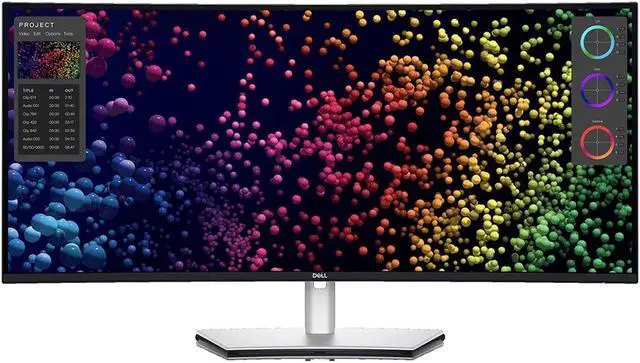
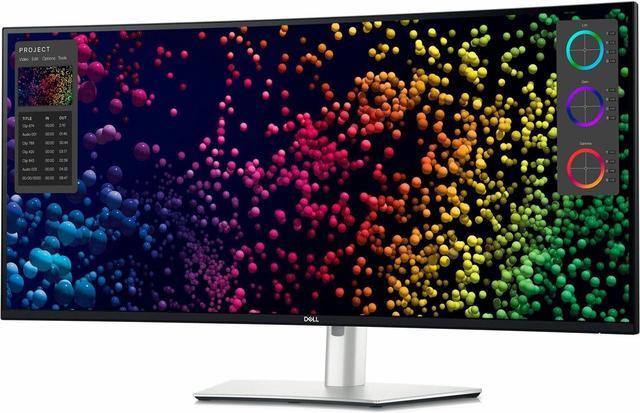
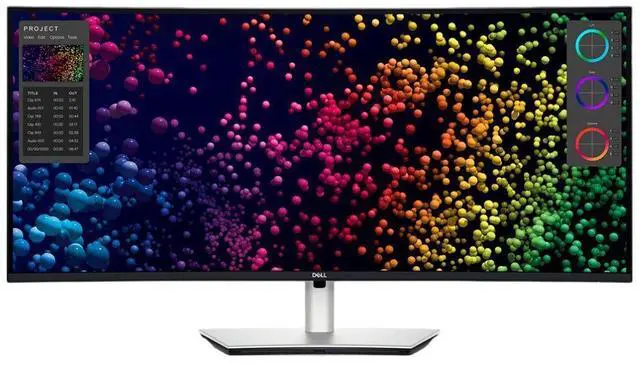
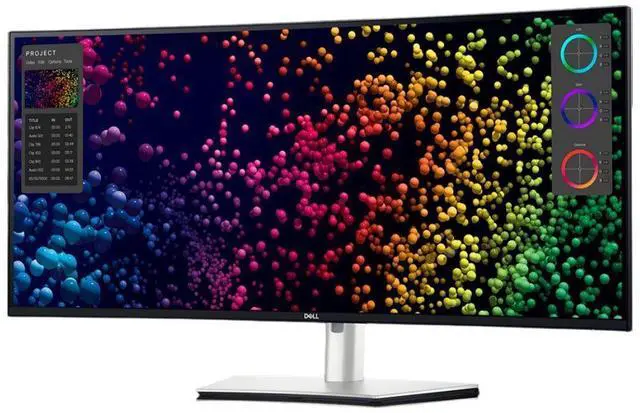
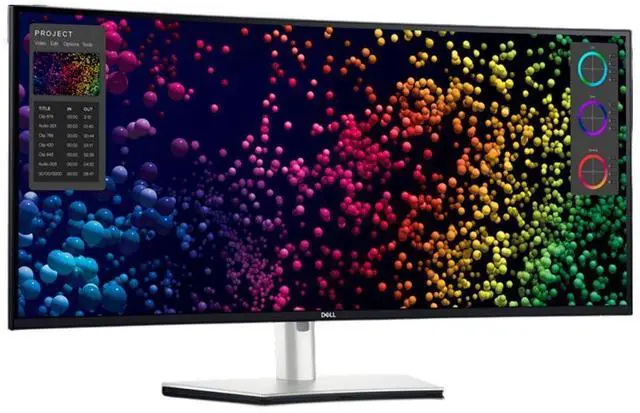

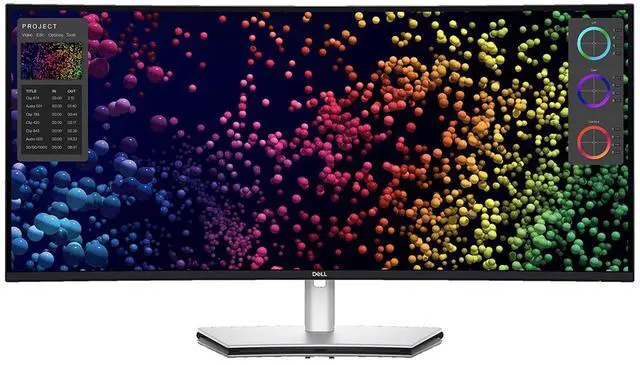
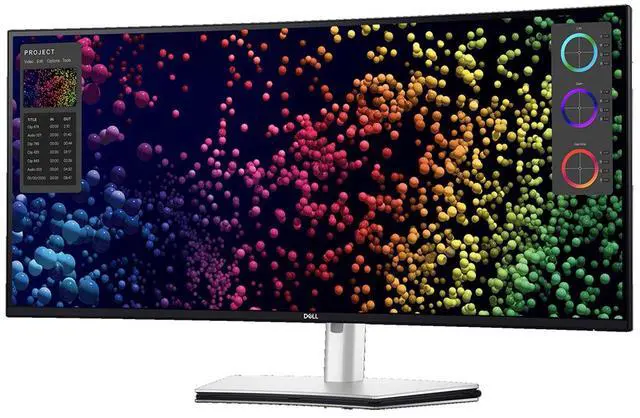
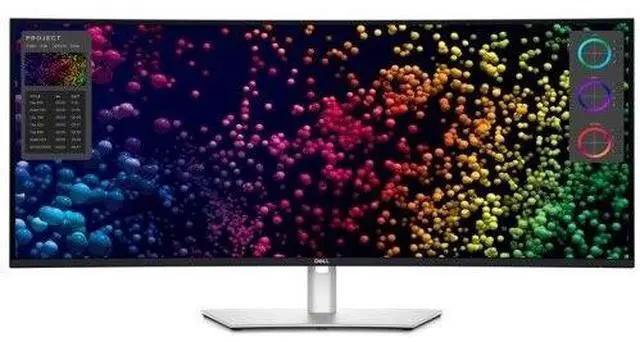
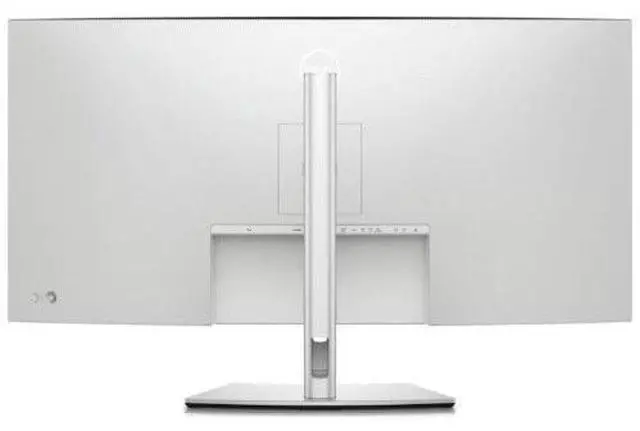
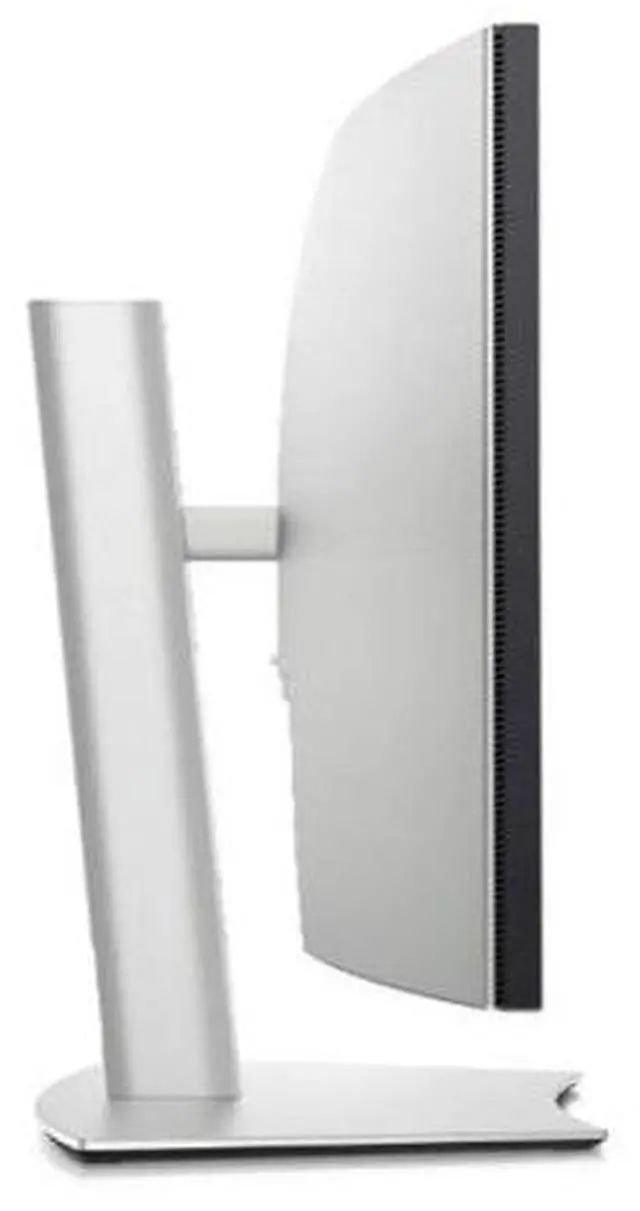
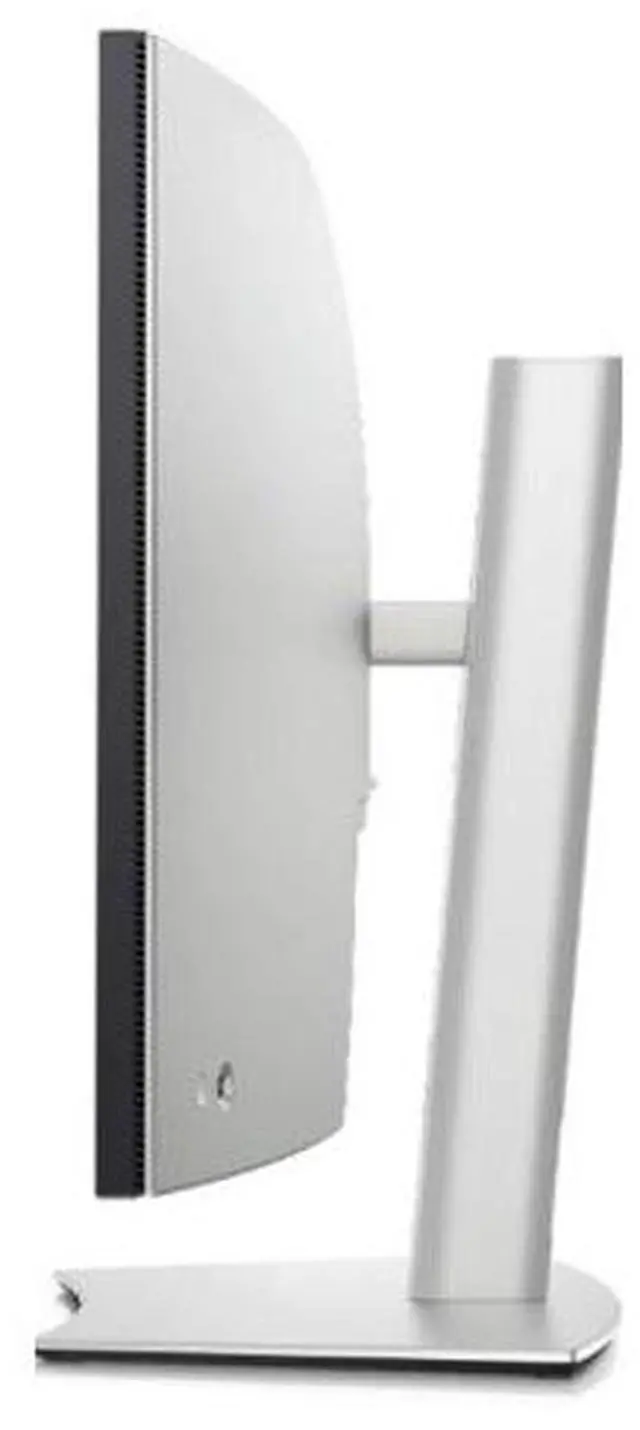


Elevate your performance with a 40-inch curved Thunderbolt™ hub monitor featuring a stunning 5K display and a 120Hz refresh rate.
World's first 40" 5K monitor certified for 5-Star Eye Comfort1
Every aspect of your work springs to life on this curved 5K monitor featuring a 120Hz refresh rate. You'll never miss a single detail.


Smoother visual experience
A 120Hz refresh rate delivers less flicker, more seamless scrolling and smoother motion than 60Hz monitors.

Ambient Light Sensor
A built-in Ambient Light Sensor intelligently optimizes brightness and color temperature based on your surroundings.

Improved ComfortView Plus
Our latest monitors reduce harmful blue light emissions to =35%, compared to =50% from the previous generation, for all-day eye comfort without sacrificing color accuracy.
See more detail than ever before

5K
See every detail with complete clarity on a 5K resolution monitor.
99%
DCI-P3 and Display P3 color coverage.
IPS Black
Experience deeper blacks with a 2000:1 contrast ratio.

Internal Multi-Stream Transport (iMST)
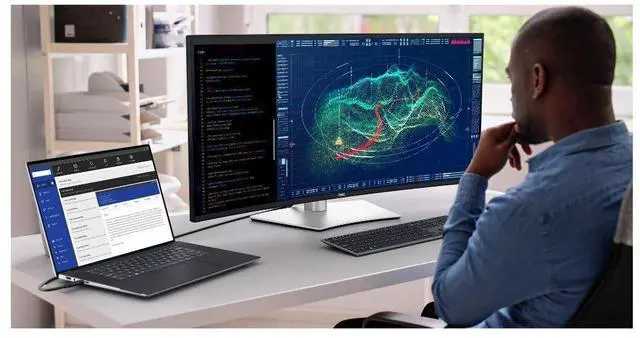
Partition your display as if there were two 2560x2160 physical monitors instead of one. No external software or DisplayPort splitter needed.
Connect with ease

Power your devices with a single cable connection with up to 140W EPR (Extended Power Range)2 power delivery.

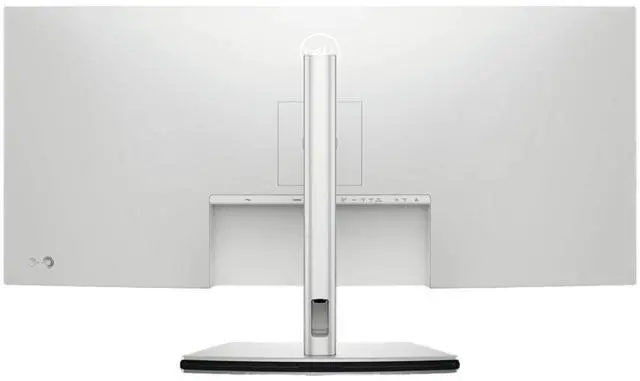
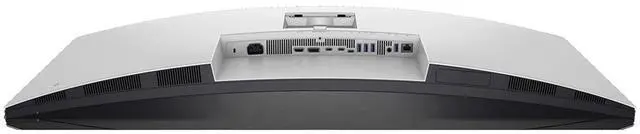
Connect all your devices with over a dozen ports, including pop-out quick access ports.

Connect to the Ethernet with a built-in RJ45 port with up to 2.5GbE.
Works seamlessly with devices on macOS®*
Tested with devices on macOS, this Thunderbolt monitor with Display P3 color is your ideal Mac® devices companion for superb color coverage and accuracy. Daisy chaining3 multiple displays via a single cable requires Thunderbolt connectivity. Please check your device for compatibility, as select M-series chips may not support some features. Install Dell Display and Peripheral Manager application to customize advance settings.
* Based on internal testing of Dell monitors connected to devices on macOS via Thunderbolt, June 2024. Some features may not be supported.
Dell Display and Peripheral Manager
Experience Dell’s singular, innovative application to optimize the performance of your entire Dell PC workspace4.

Easy Arrange tiles apps across screens with pre-set partitions and customizes up to five windows, enhancing multitasking. Easy Arrange Memory saves and restores app profiles manually, on schedule, or at start-up.
Control and work across multiple network or USB connected PCs and monitors with a single keyboard and mouse, seamlessly transferring files between them5.
Save time and boost IT efficiency with the Dell Device Management Console to manage your Dell peripheral fleet at scale, from a single cloud-based console. Discover expanded Command Line Interface features from Dell Display and Peripheral Manager6.
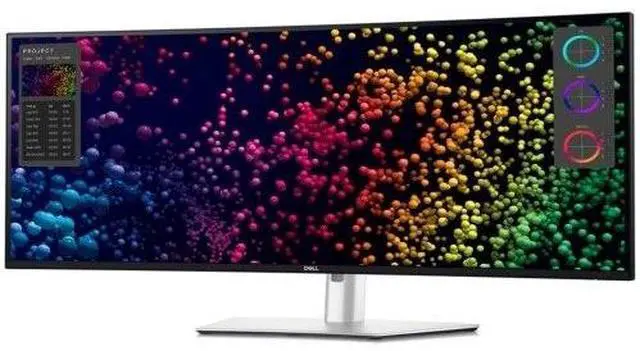
Disclaimer: Screen image simulated for illustrative purposes only. Monitor model may vary.
Dell Color Management

Easily calibrate your monitor’s colors on the new Dell Color Management software7, with Calman Verified certification.
Create, store, and manage ICC profiles on your computer dynamically through the software dashboard.
Dell Color Management software is compatible with multiple operating systems including Windows and macOS®.
Environmentally-forward thinking
This monitor is made with 50% recycled steel, 85% post-consumer recycled plastics including closed-loop plastics, 100% recycled aluminum8 and at least 20% recycled glass9.
Ships in a box made with 100% renewable content that is also recyclable.11

Using PowerNap mode in Dell Display Manager lowers energy use by up to 14.8%.10
Meets highest environmental standards and registered EPEAT Gold with Climate+ designation - this monitor has met industry best practices for decarbonization.12
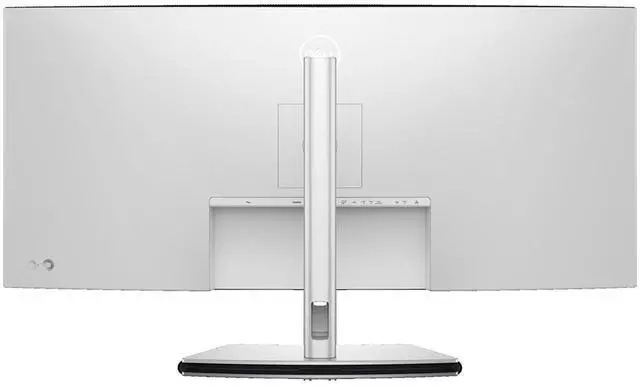
Connectivity Options

1Security lock slot (based on Kensington Security Slot™)
2Power connector
3HDMI (supports up to 5K2K 5120 x 2160 120Hz FRL, HDR Static Metadata, VRR as per specified in HDMI 2.1.)
4DisplayPort 1.4 (HDCP 2.3)
5Thunderbolt™ 4 downstream port (15W) for daisy chaining
6Thunderbolt™ 4 upstream port (up to 140W EPR13)
7USB Type-C upstream port (SuperSpeed USB 10 Gbps, USB 3.2 Gen 2)
83x USB Type-A downstream port (SuperSpeed USB 10 Gbps, USB 3.2 Gen 2)
9Audio Line-out
10USB Type-A downstream port (SuperSpeed 10 Gbps, USB 3.2 Gen 2)
11RJ45 Ethernet port, 2.5GbE
12Stand lock
132 x USB Type-C downstream port (SuperSpeed USB 10 Gbps, USB 3.2 Gen2) with power charging (15W)
14USB Type-A downstream port (SuperSpeed USB 10 Gbps, USB 3.2 Gen 2) with BC1.2 power charging
15Speakers
Power cable | DisplayPort 1.4 cable - 1.8 m | USB Type-A to USB Type-C Gen 2 cable - 1 m | Thunderbolt™ 4 active cable - 1.5 m | HDMI 2.1 cable - 1.8 m
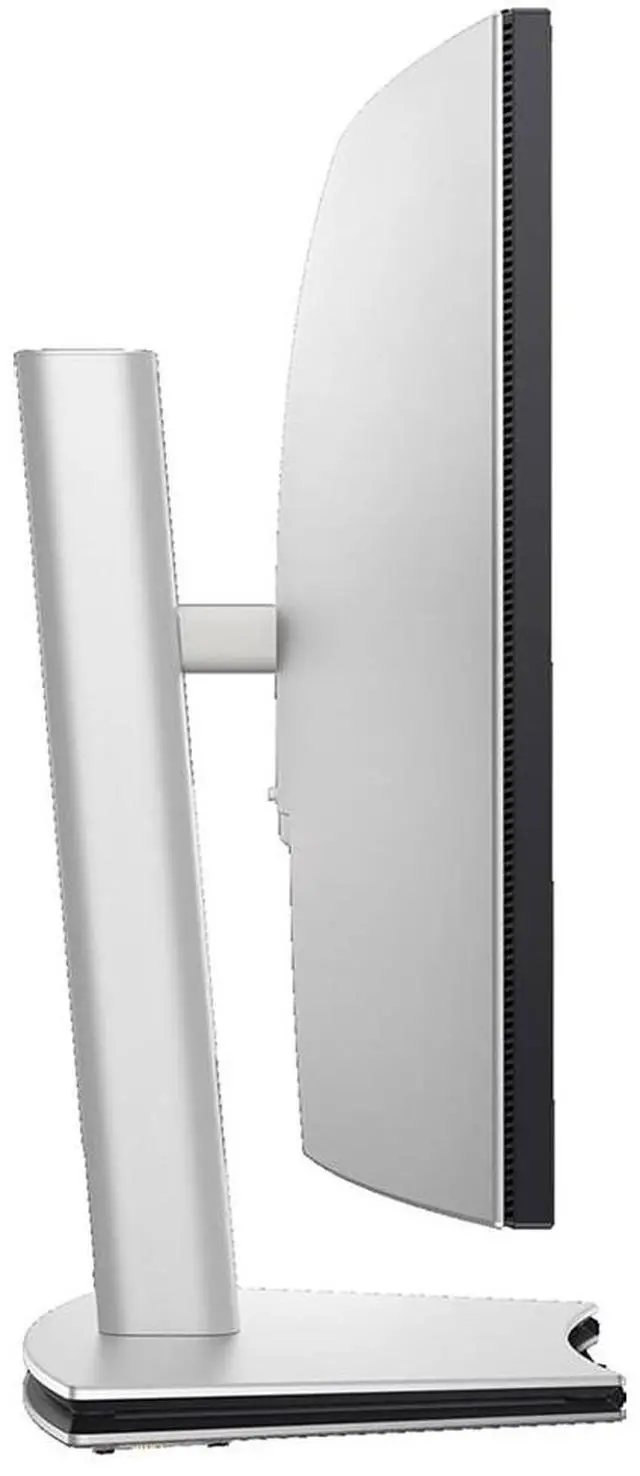
Dimensions and Weight

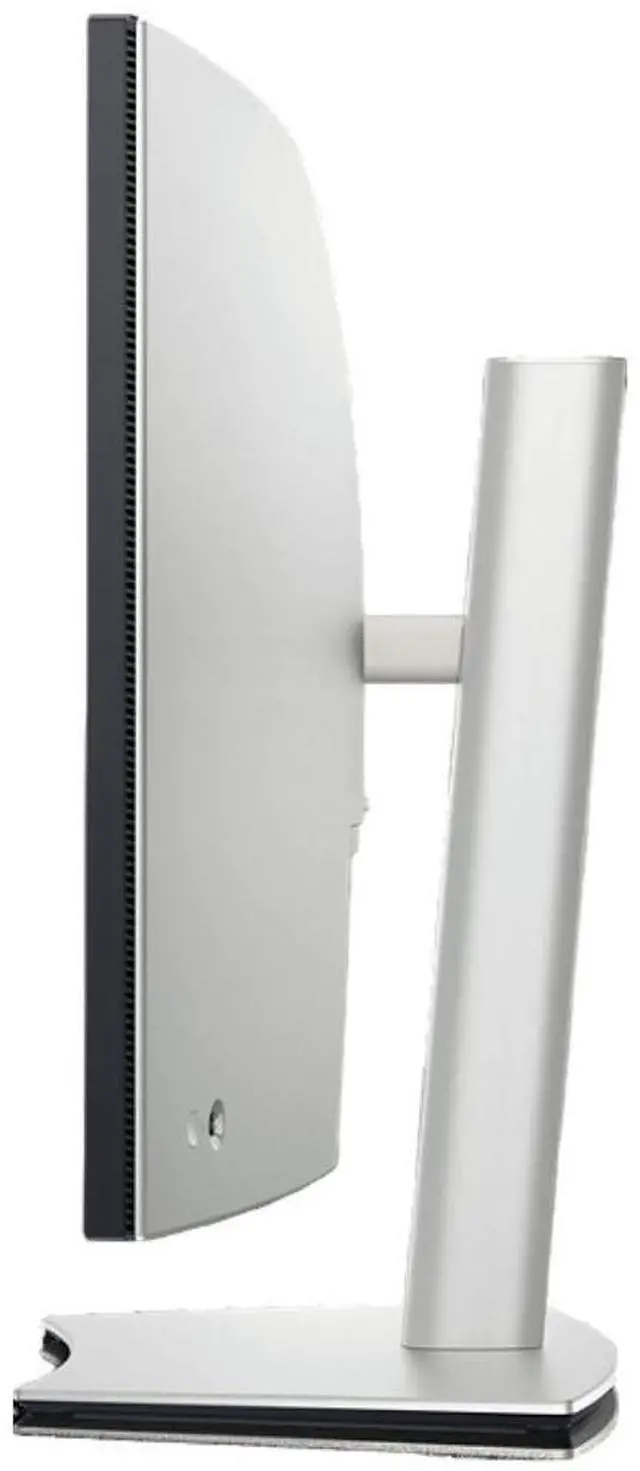
1Monitor height with stand (extended / compressed): 24.50 in. / 18.60 in. (622.32 mm / 472.32 mm)
2Monitor width : 37.27 in. (946.62 mm)
3Monitor height : 16.5 in. (419.14 mm)
4Stand width : 15.37 in. (391.50 mm)

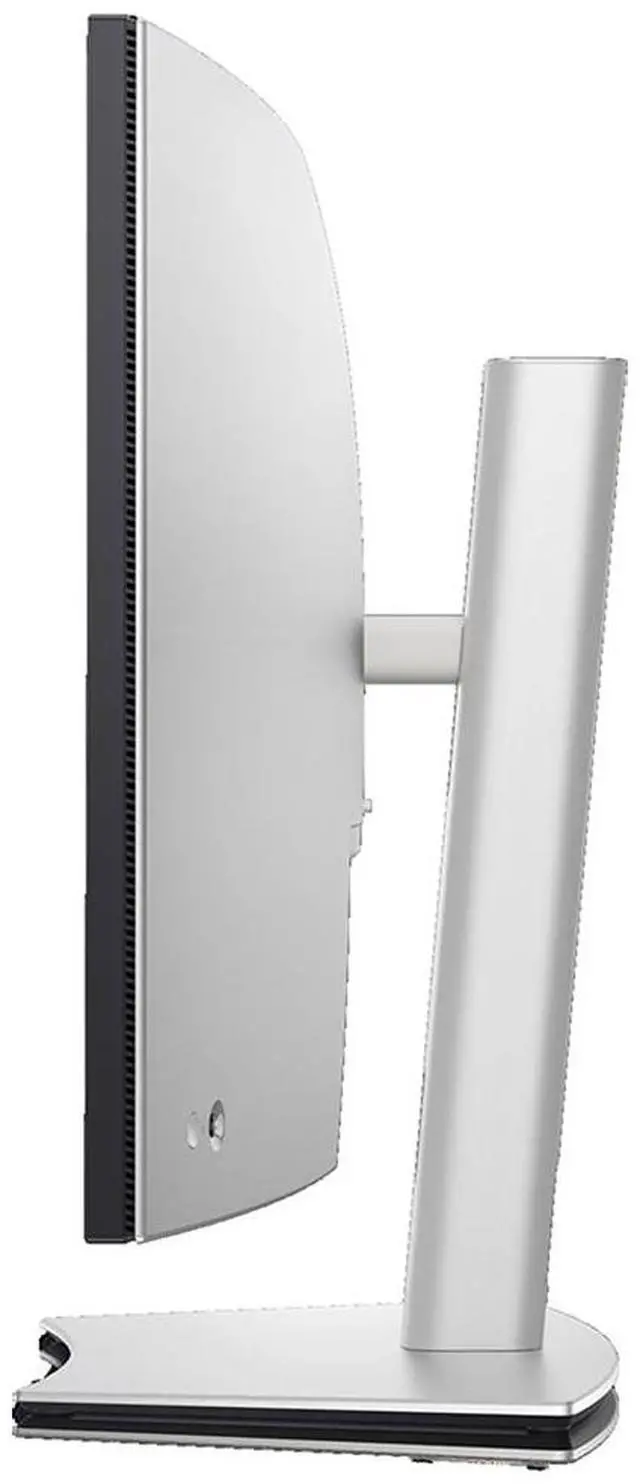
5Monitor depth : 4.25 in. (108.04 mm)
6Stand height (extended / compressed): 19.03 in. / 17.19 in. (483.30 mm / 436.50 mm)
7Stand depth : 9.95 in. (252.80 mm)
Weight with stand and cables: 26.94 lb (12.22 kg)14
Weight without stand and cables: 18.41 lb (8.35 kg)14
1. Based on Dell analysis of 5120x2160 resolution monitors, December 2023.
2. Charging speed drops to 90W if PC does not support Extended Power Range (EPR). 90W is within USB Standard Power Range (SPR).
3. Daisy-chaining is supported on select Dell monitors. Please check device compatibility.
4. Based on Dell internal analysis, November 2024.
5. KVM (keyboard, video, mouse) is available on select monitors only. For monitors that don’t support USB KVM, the input source feature is an alternative. You can share multiple input sources to one monitor, but you cannot share one keyboard and mouse.
6. Based on Dell internal analysis, November 2024.
7. Compatible with external colorimeter (Portrait Displays: C6 HDR2000, X-Rite: i1Display Pro, i1Display Pro Plus, Klein Instruments: K10, Calibrate: ColorChecker Display Pro, ColorChecker Display Plus), sold separately.
8. Based on internal analysis, November 2023. Plastic percentage is based on total plastic weight. Recycled steel: 50% recycled steel in monitor bracket. Recycled aluminum: 100% recycled aluminum in monitor stand.
9. Applicable to all new monitors launching in CY 2024. Recycled glass is present in monitor panel. Based on internal analysis, January 2024.
10. The calculation assumes the monitor is used for 10 hours a day, including 1.5 hours of idle time with display in sleep mode when the device screensaver is on. Based on internal analysis, May 2023.
11. Applies to all Dell monitors launched since 2023. Made from FSC mix sources which is a mix of material from FSC certified forests, recycled content and/or FSC controlled wood. Based on internal analysis, August 2023.
12. Based on internal analysis, November 2023. Based on EPEAT Climate+ Designations achieved in all applicable countries. EPEAT registered where applicable. EPEAT registration varies by country. See www.epeat.net for registration status and tier levels by country.
13. Charging speed drops to 90W if PC does not support Extended Power Range (EPR). 90W is within USB Standard Power Range (SPR).
14. Weights vary depending on configurations and manufacturing variability.